Managing Customer Support During Peak Times and Product Launches
Managing Customer Support During Peak Times and Product Launches
Teams often feel overwhelmed when sales spike or a new product debuts. Messages pour in. Staff get overloaded. Customers demand prompt answers. You can still handle this surge. Let’s look at strategies that can keep your support workflow smooth.
Forecasting the Surge
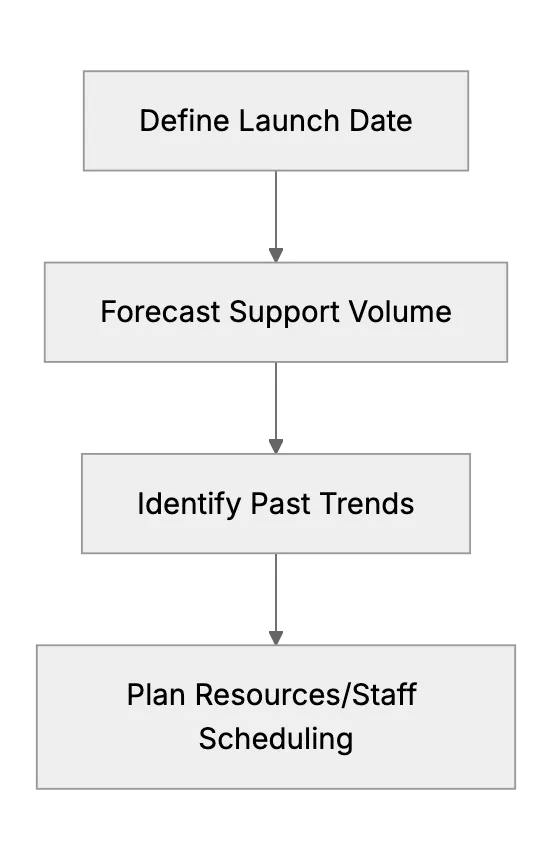
Try predicting the size of upcoming demand. If product demand typically doubles, plan capacity to match. A simple approach: check previous event stats. Factor in marketing efforts that can attract more attention. Look for times of day you get busiest. Adjust staff schedules or shift coverage for those periods.
Staffing adjustments help a lot. Some companies pull in help from other teams or part-time contractors. Others train temporary hires. If you handle sensitive data, follow any applicable rules. Don’t give external helpers access to private information if not necessary.
Preparing Support Content
Reduce repetitive questions by anticipating them. Draft knowledge base articles. Write short FAQ sections. Share them on your website or help center. This is easier with a strong SaaS helpdesk that supports custom articles. Advanced security measures also matter. If you store personal data, use encryption and controlled access. Make sure your helpdesk offers these features.
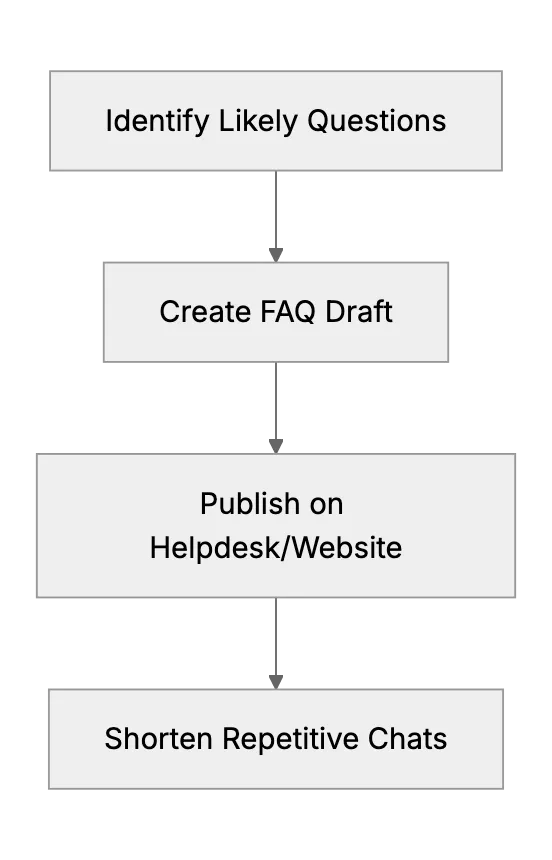
Having these documents ready lets you send quick links. Saves time. Reduces confusion. Helps customers help themselves. Also make sure these documents remain updated with correct info.
Communication Strategy
During major events, be proactive. Display a message on your site: "Due to high demand, responses may be slower." Set an auto-reply for emails. Post on social media channels. Keep customers in the loop. They usually appreciate honest updates, even if replies take time.
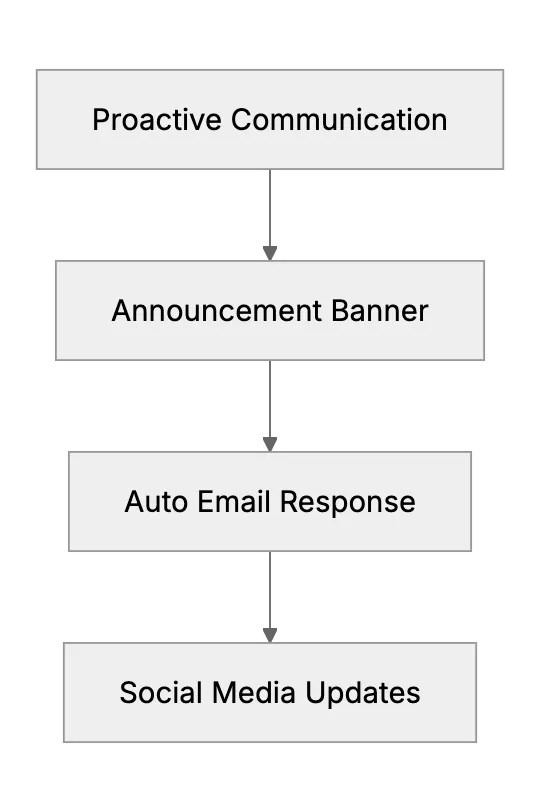
These channels reinforce each other. People see the same message in multiple places. It prevents confusion about response times. It also helps reduce frustration.
Temporary Help and Outsourcing
Consider short-term staffing solutions. Maybe a friend or family member can assist. Or outsource to a trained freelance support agent. Make sure you share guidelines. If you handle protected data, use tools with granular permissions. A secure SaaS helpdesk can limit access to sensitive info. That helps keep everything secure.
Define response templates. That way new helpers know how to answer consistently. Monitor their work for accuracy. Keep logs so you can track everything securely.
Post-Launch Follow-Up
After peak times subside, gather feedback from customers. Note the biggest difficulties. Where did your team struggle? Did your knowledge base have gaps? Use that data for next time.
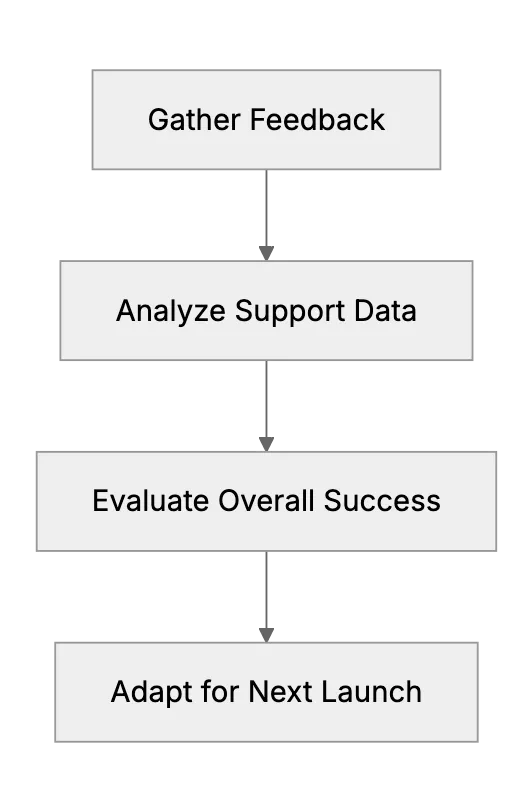
Next product release gets smoother if you learn from each wave. Continuous improvement is key. Keep refining your strategy. Adjust for new compliance regulations or internal policies. Expand your knowledge base to match repeated questions. Train staff on changes or new features. This cycle of learning helps you stay ready for any major surge.
Security and Compliance Considerations
When workload spikes, you might overlook security. Don’t. Especially if your application deals with sensitive data like personal identifiers. Choose a helpdesk with strong encryption, data access controls, and detailed auditing. Don’t sacrifice security for speed. Properly trained staff, clear guidelines, and secure platforms keep data safe during busy periods.
Final Thoughts
Managing support during peaks or product launches is challenging. But it’s doable with planning. Forecast demand. Prepare content. Communicate proactively. Add temporary help. Keep data secure and compliance in check. Use each event as a learning opportunity. Adjust. Grow. Stay ready for the next big moment.
Frequently asked questions
1. How do I predict support volume for a new product launch?
Start by reviewing past launches if available. Also consider marketing reach. Then schedule staff or plan extra coverage so.
2. Why is an FAQ or help article important during product launches?
It saves time. You can link users to ready-made answers, reducing repetitive questions.
3. Is it okay to give temporary staff full admin access to my helpdesk?
Ideally no. Limit their access and set strict permissions to protect sensitive data.
4. How should I communicate slower response times?
Use clear banners on your site, auto-replies, or social posts. Let customers know you care but are busy.
5. How do I keep data secure if I outsource support?
Choose a helpdesk with strong security features. Limit access rights. Make sure external helpers have the needed training and follow your security guidelines.
6. What do I do after the surge ends?
Review feedback. Check repeated issues. Update your knowledge base. Adjust staffing for next time. Keep improving.
7. Which standards should I consider for a cloud-based support desk?
Look for a platform that aligns with the regulations relevant to your industry and location.
Related Articles
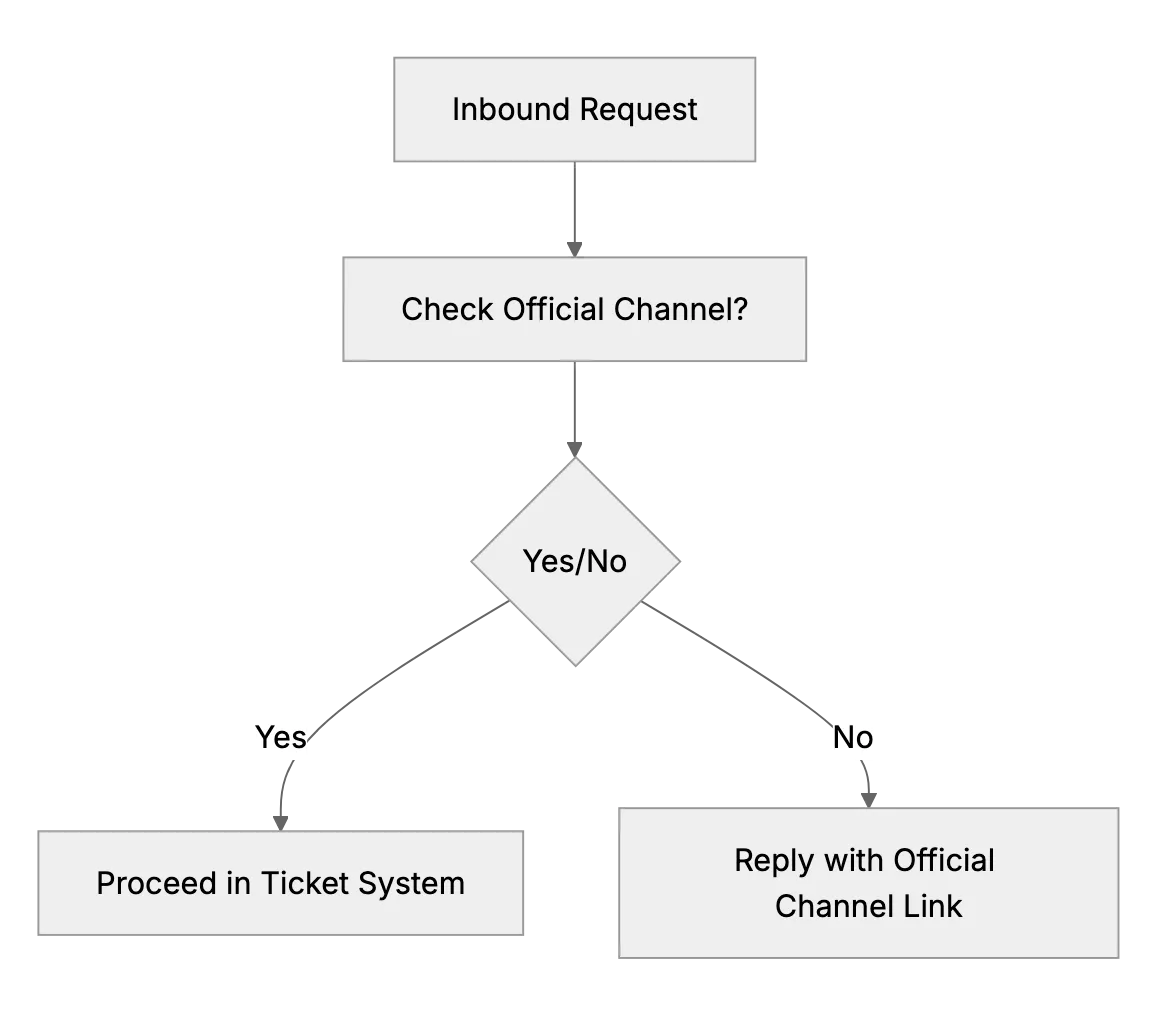
What to Do if Customers Contact You Outside Official Channels
Some customers will try to get attention by messaging the business owner’s personal Facebook or finding their number when you prefer email. This article advises setting polite but firm boundaries.
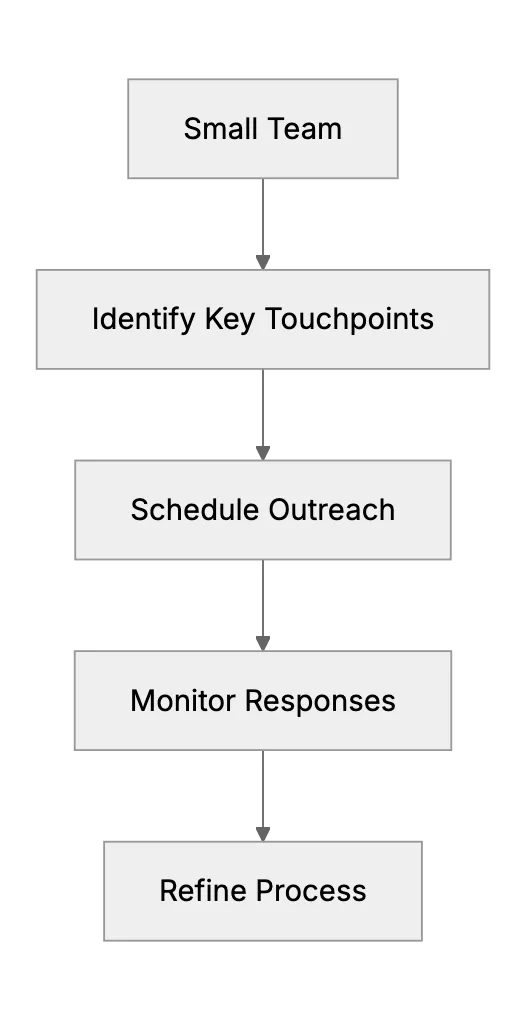
Proactive Support on a Shoestring: Reaching Out Before Issues Arise
Being proactive (like checking in with customers or providing onboarding help) is often associated with larger Customer Success teams, but this article shows how even a small outfit can do a little of it. It might include an example of a small SaaS that sends a personalized email to new sign-ups after a week to ask if they need help, a low-cost, proactive gesture. It will outline manageable proactive tactics, such as a monthly tips newsletter or a follow-up with customers who haven’t used the product in a while, to pre-empt support issues and reduce churn.
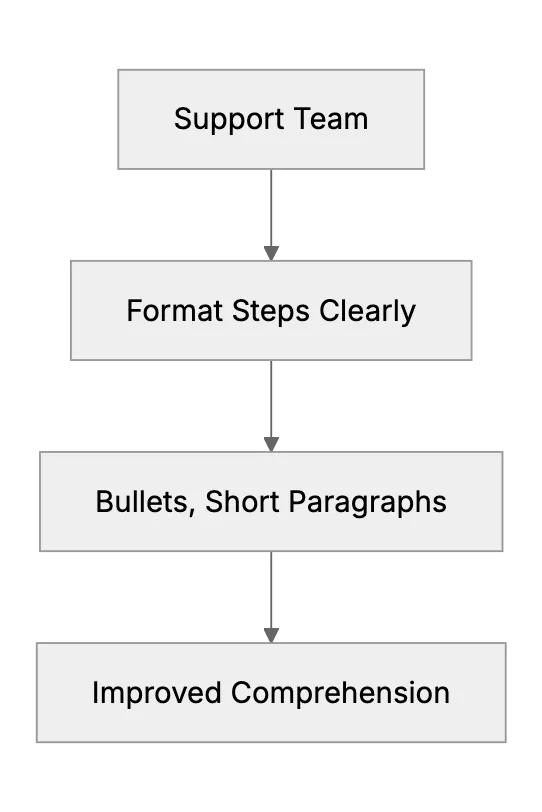
What to Do When Customers Ignore Your Instructions or FAQ
Tactics to improve the chances customers follow support instructions