Supporting Less Tech-Savvy Customers Without Overloading Your Team
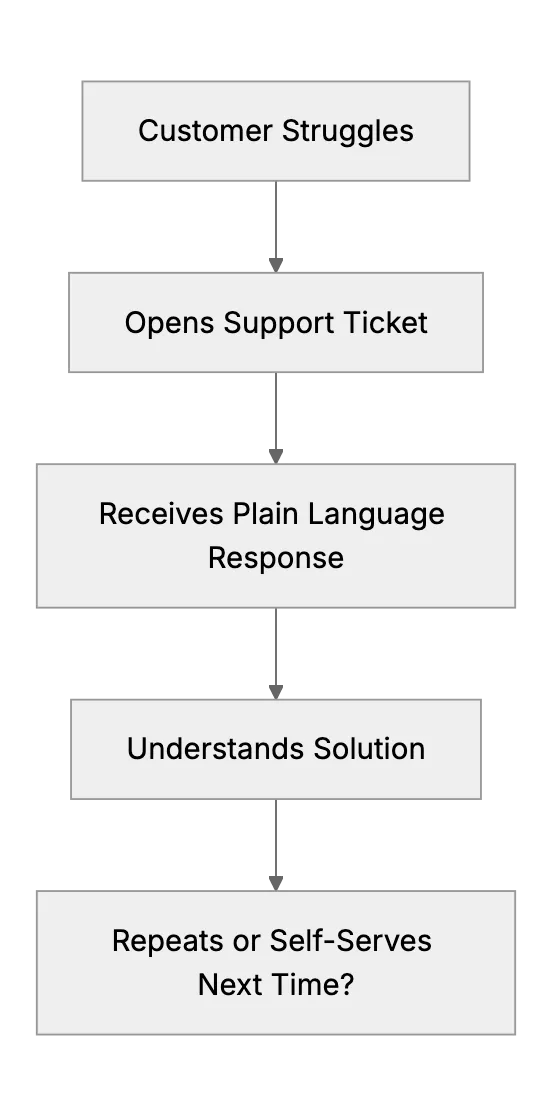
One customer said he ‘didn’t want to read the manual, he just wanted to press a button and make money’. Some customers need extra patience and simpler explanations.
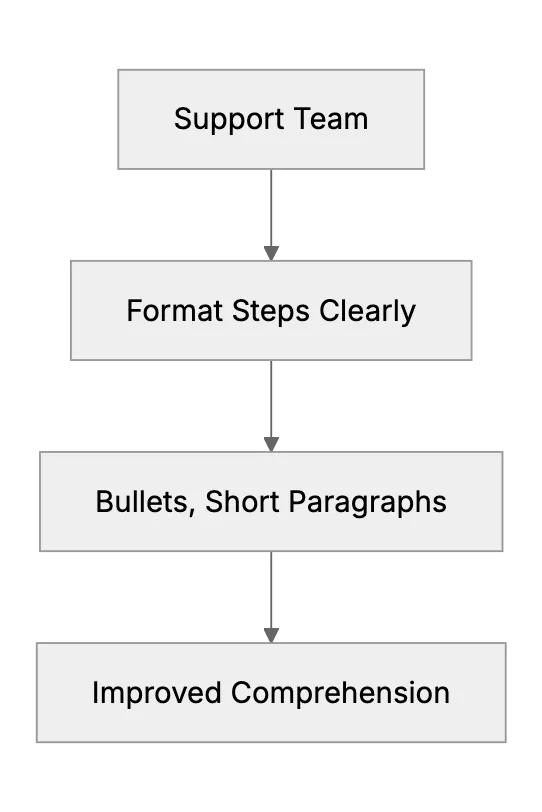
Tactics to improve the chances customers follow support instructions
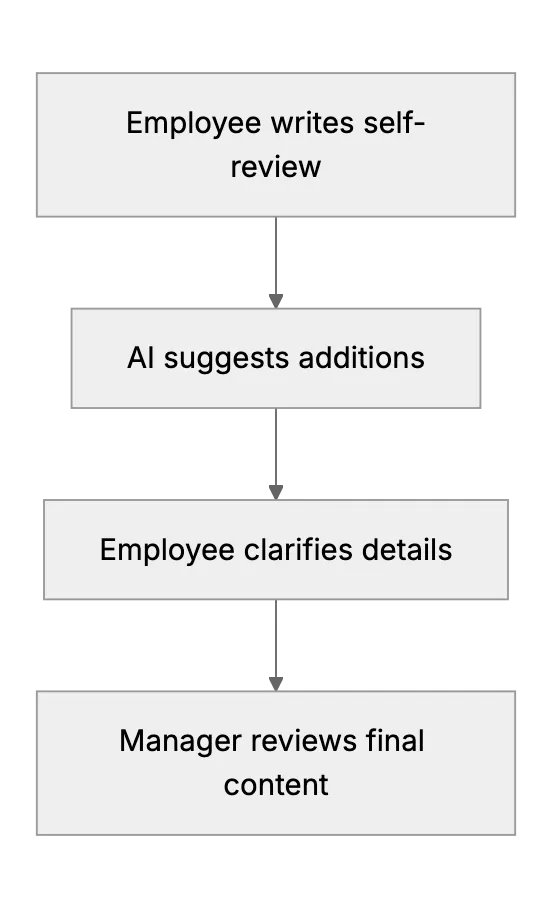
How AI assists in creating thorough and balanced employee performance reviews
Learn how to gently funnel customers toward the support channel that is easiest for your small team to handle. Look at pros and cons of each channel and how to announce channel changes.
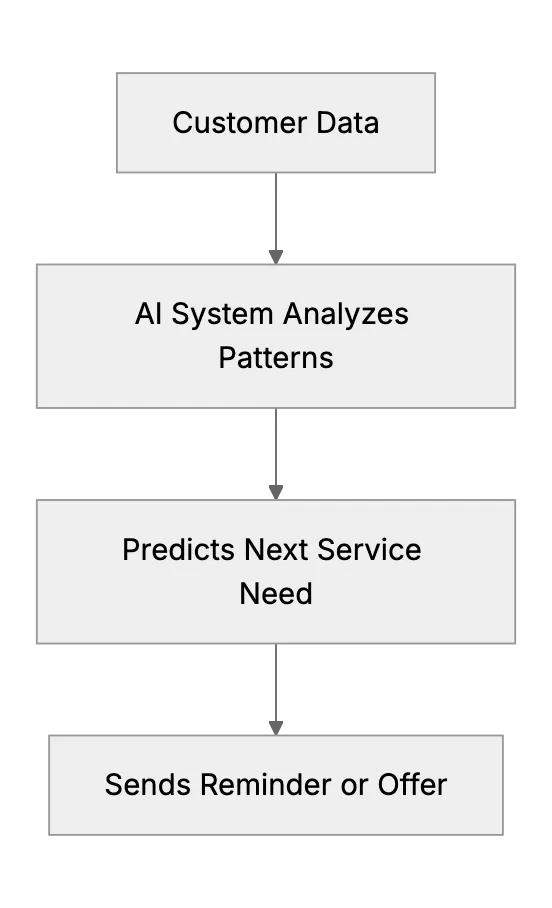
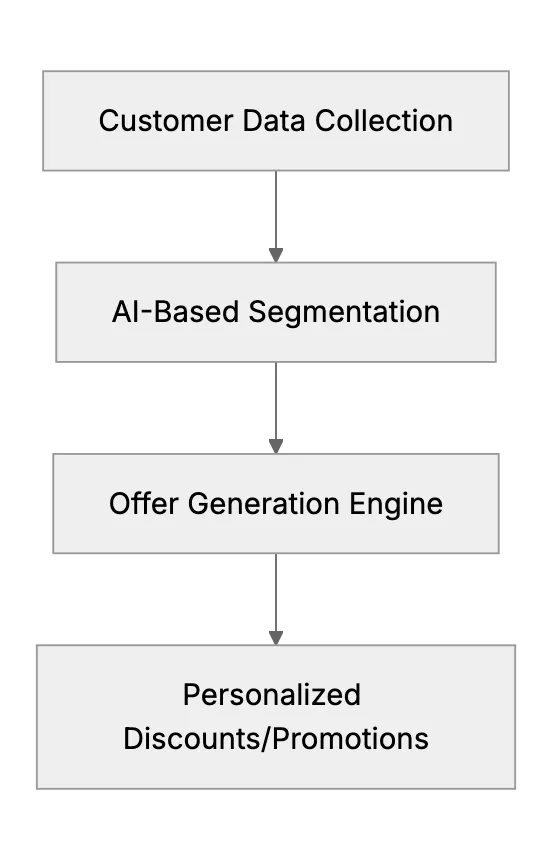
Small businesses use AI to remember customer preferences and tailor service
Many support professionals advise using saved reply templates for common questions. This article will guide a small support team in developing a library of canned responses, for example, a template for refund policy inquiries or a polite way to ask for more information. It will stress that these should be well-crafted (sounding human, allowing slight personalization) to maintain quality. By quoting a user’s success with this method, it shows how even a one-person support team can appear fast and consistent by not retyping the same answers every time.
This article compiles productivity tips for those handling support alone. It will cover advice like scheduling specific times to check email instead of being always reactive, using tools like filters or rules to organize incoming requests, and setting up a simple to-do or ticket queue system if the support volume is scattered across platforms. It may bring in suggestions from freelancers or solo entrepreneurs on how they avoid letting customer emails derail their whole day while still being responsive in a timely manner.
How small firms can clean mailing lists and sharpen targeting with ChatGPT and spreadsheets
AI Tools For Employee Scheduling