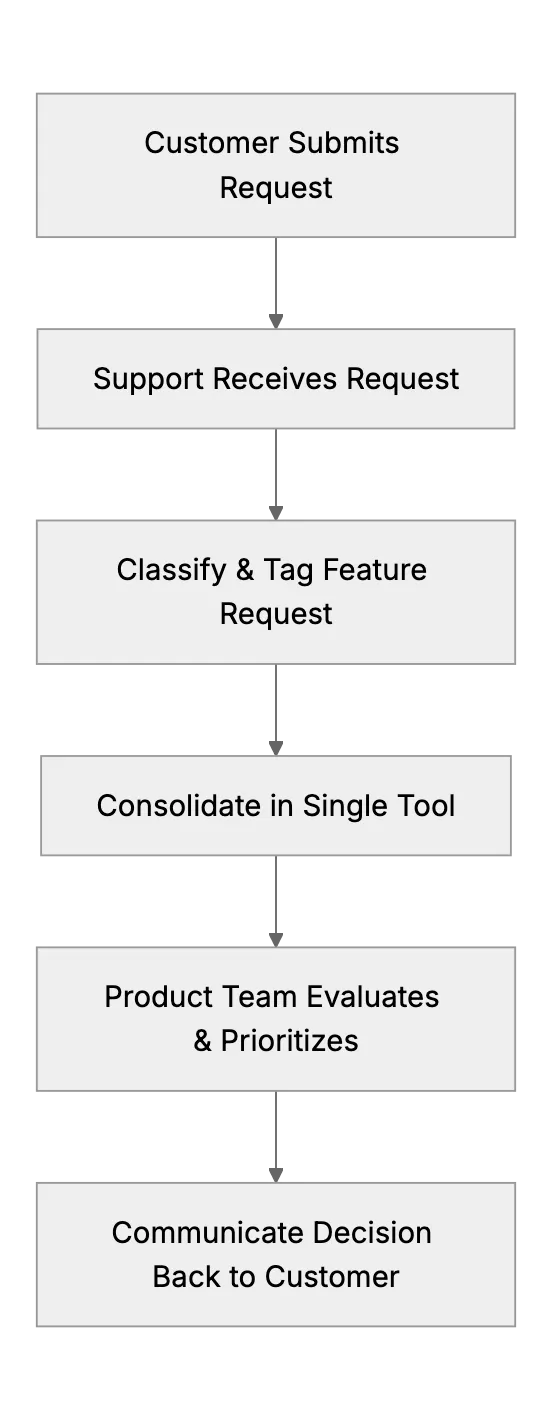
Collecting & Managing Feature Requests with a Small Support Team
Startups often rely on small support teams to serve as a bridge between customers and product development. But without a systematic process, these requests may be lost. Or worse, go unacknowledged. Let’s see how to manage them effectively.
We’ll look at how small support teams can set up a straightforward pipeline to gather, store, and share feature requests.
Why Document All Requests
It’s easy to assume a request that sounds minor won’t come up again. Then someone else asks for the same thing a week later. Before you know it, a pattern emerges. Without a tracking system, your support team might keep repeating themselves. And your product team misses out on ideas. Create a central repository, even if it’s a basic spreadsheet, Trello board, or strong helpdesk that logs suggestions.
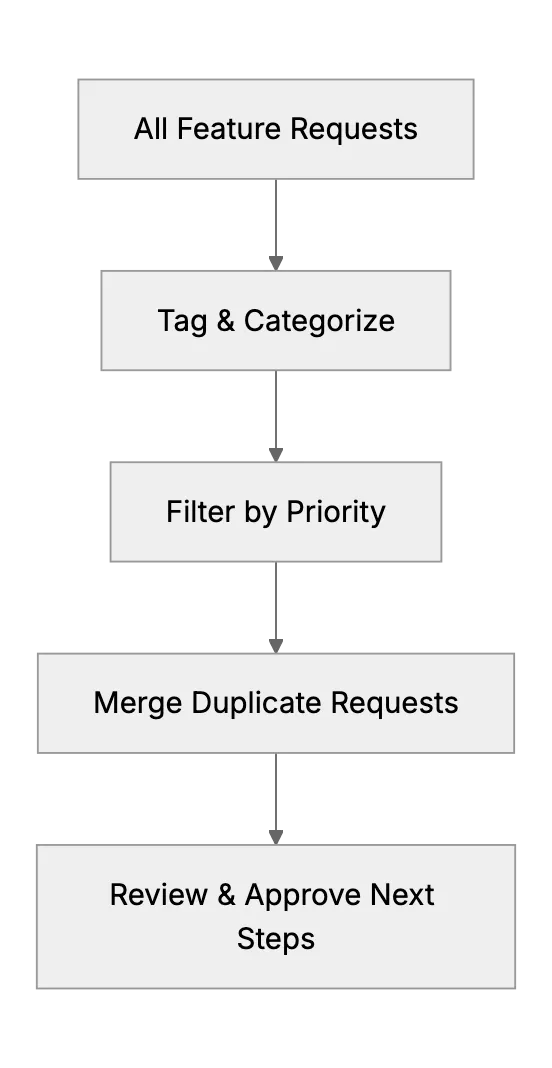
Tagging requests with categories or priority labels is useful. You can unify them by themes: UI improvements, security enhancements, analytics requests, etc. In advanced systems, these tags also help you handle private data responsibly. You can assign different access levels to relevant team members and document your approach for better security and accountability.
Acknowledging Customer Suggestions
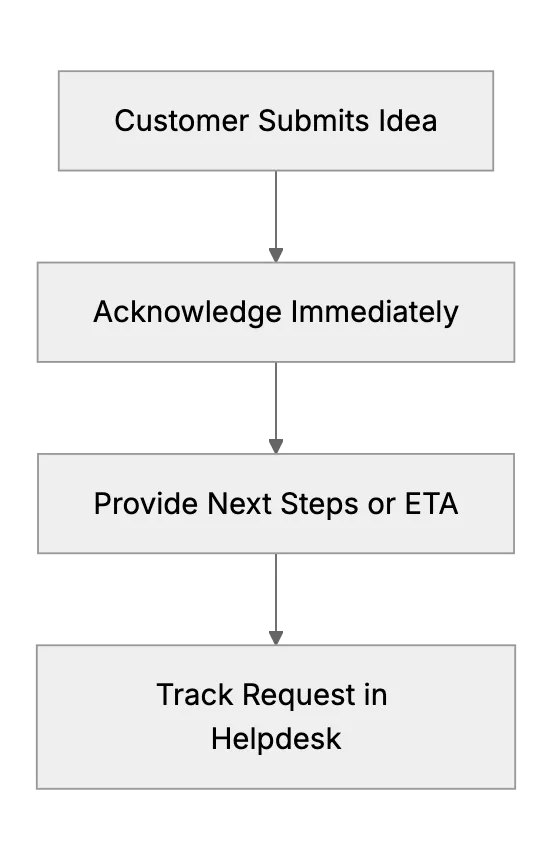
Make sure your customer knows their feedback has been received. Provide them an ETA for when you might follow up. That helps them feel heard. If your system supports it, show them if their suggestion is being researched or is under review.
Make that part of your default replies or macros. Keep track of how many customers have requested a feature. Prioritize features that align with your product vision while addressing the most common pain points.
Creating Simple Idea Voting Forums
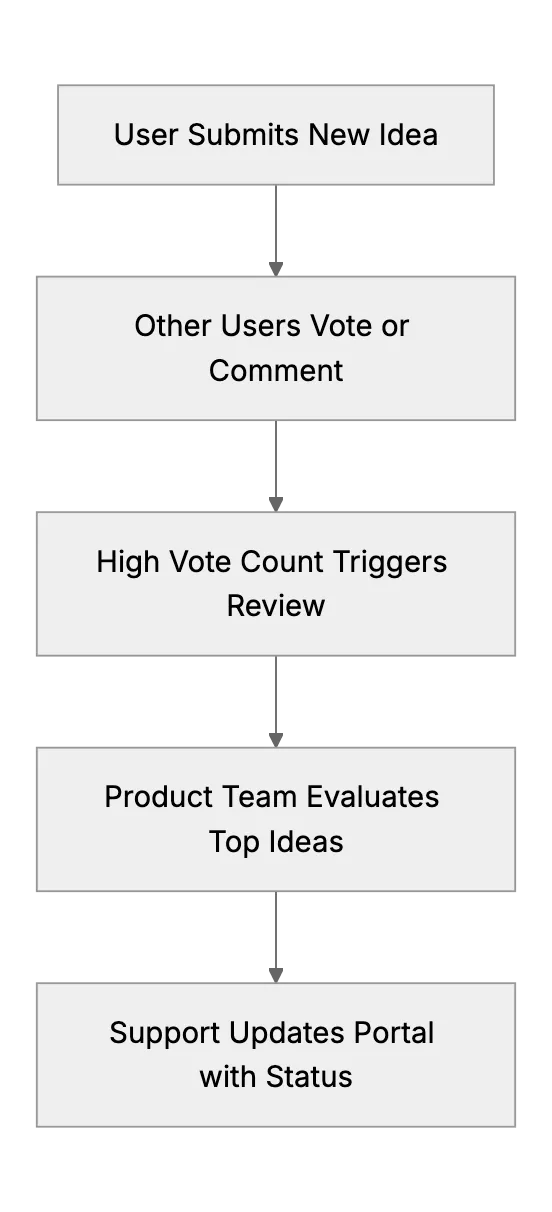
Some teams set up a feedback portal where users upvote existing ideas or submit new ones. In these forums, you also find overlapping requests. It’s practical for small teams because you can let the community help prioritize. That data is then cross-referenced in your internal tool.
When you see a high vote count, you highlight it for the product team. That’s a signal of demand. Just make sure to moderate to avoid noise or spam. A good approach is to integrate single sign-on or restricted access for sensitive feedback threads.
Communicating What Happens Next
Set expectations. You can’t build everything. But you can maintain transparency about your decision process. If you decide to develop a feature, update requesters on the timeline. Let them know if you need further details or want them to join a beta test. If you decide not to build it, explain why, if possible.
Small support teams build trust by following up. Keep an internal channel where the support team and product people share ongoing progress. That helps everyone be consistent in replies. Or if you have government clients, additional readiness steps may be required.
Final Thoughts
Small support teams can handle feature requests efficiently. Gather them in one place, tag and categorize them, and use simple voting or feedback channels so customers feel involved. Acknowledge feedback. Communicate promptly.
With an organized process, you can let your customers know that you value their input and you’re willing to evolve the product together.
Related Articles
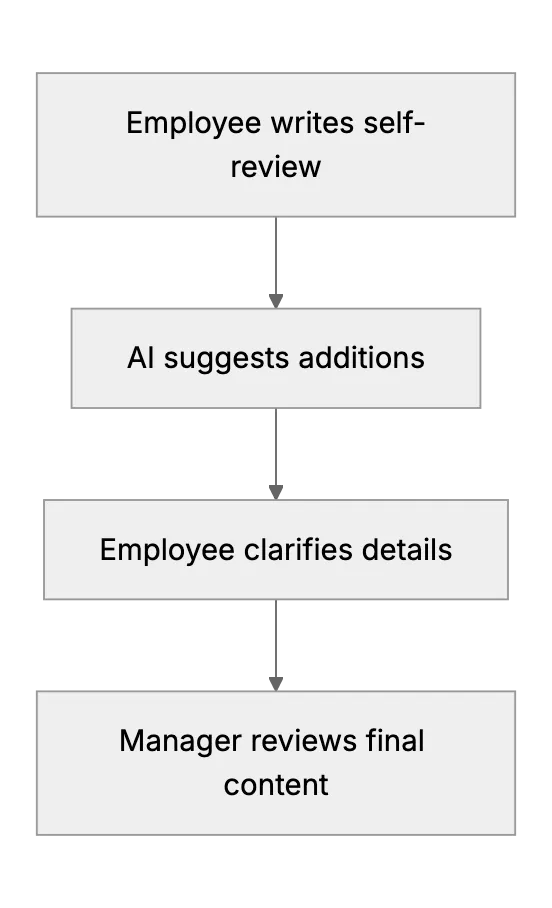
Employee Performance Review Assistance with AI
How AI assists in creating thorough and balanced employee performance reviews
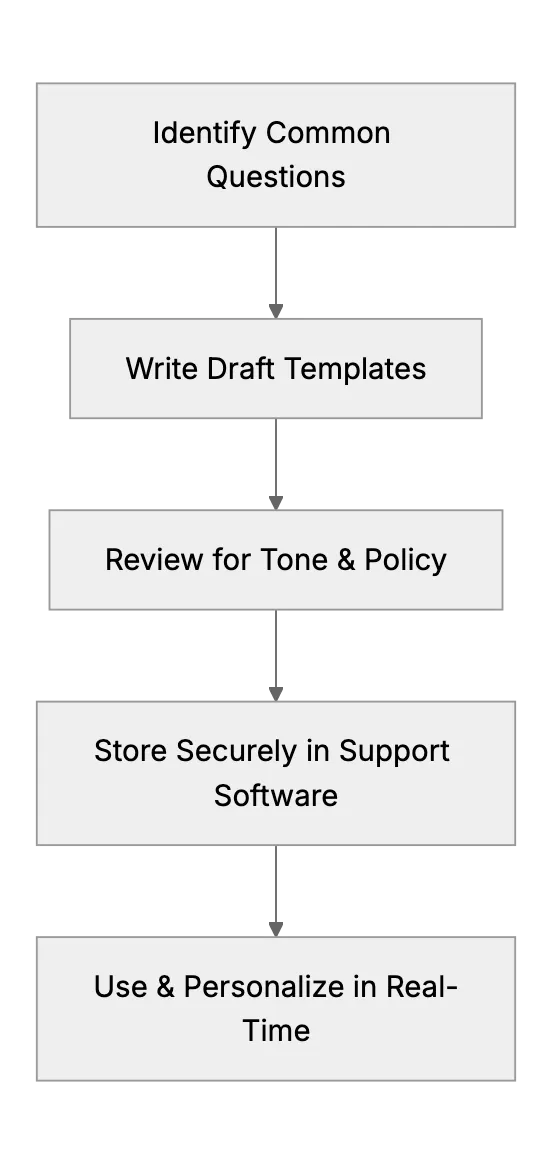
Creating Effective Canned Responses to Save Time (Small Team Tips)
Many support professionals advise using saved reply templates for common questions. This article will guide a small support team in developing a library of canned responses, for example, a template for refund policy inquiries or a polite way to ask for more information. It will stress that these should be well-crafted (sounding human, allowing slight personalization) to maintain quality. By quoting a user’s success with this method, it shows how even a one-person support team can appear fast and consistent by not retyping the same answers every time.
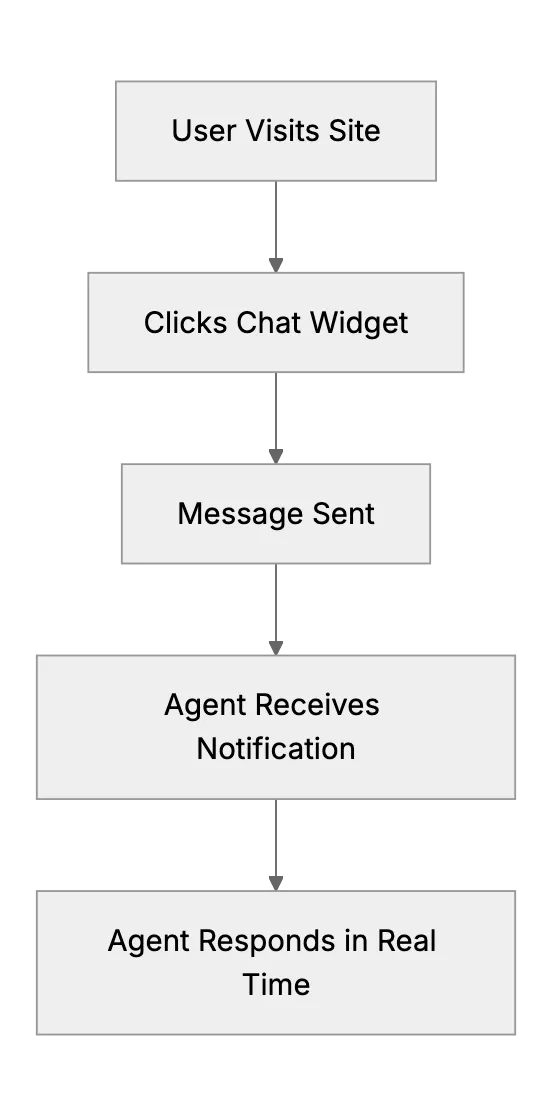
Offering Live Chat as a Small Team: Worth It or Not?
Weigh the pros and cons of live chat for a small team, and see how chat in core hours with email or a chatbot after hours avoids unanswered chats.