LLM vs Search Engine: Key Differences for Business
Table of Contents
- LLM vs Search Engine: Two Tools That Solve Different Problems
- How a Search Engine Retrieves Information in LLM vs Search Engine Comparisons
- How a Generative AI LLM Produces an Answer
- LLM Search Engine Systems Use Retrieval Augmented Generation
- LLM vs Search Engine Comparison for Business Use
- Freshness, Search Citations, and Personalization in LLM Search
- Generative AI Search Failure Modes and Privacy Risks to Control
- Choosing Between an LLM, AI Search, and a Search Engine
- Final Thoughts
- LLM vs Search Engine: Two Tools That Solve Different Problems
- How a Search Engine Retrieves Information in LLM vs Search Engine Comparisons
- How a Generative AI LLM Produces an Answer
- LLM Search Engine Systems Use Retrieval Augmented Generation
- LLM vs Search Engine Comparison for Business Use
- Freshness, Search Citations, and Personalization in LLM Search
- Generative AI Search Failure Modes and Privacy Risks to Control
- Choosing Between an LLM, AI Search, and a Search Engine
- Final Thoughts
LLM vs Search Engine: Two Tools That Solve Different Problems
Both tools accept questions and return useful results, but they work differently. A search engine retrieves pages from an index. A large language model generates a response by predicting a sequence of words. An LLM search engine combines parts of both systems, which makes the distinction less obvious.
For a business, the difference affects answer freshness, traceability, data exposure, and required human review. These details matter for customer records, security controls, contracts, and compliance evidence.
TL;DR: This guide compares retrieval, generation, freshness, search citations, personalization, privacy, and failure modes, with a practical tool-selection flow.
- Use search when you need sources, recent facts, or several viewpoints.
- Use an LLM when you need an explanation, transformation, or a first draft.
- Use LLM search when you need synthesis grounded in retrieved material.
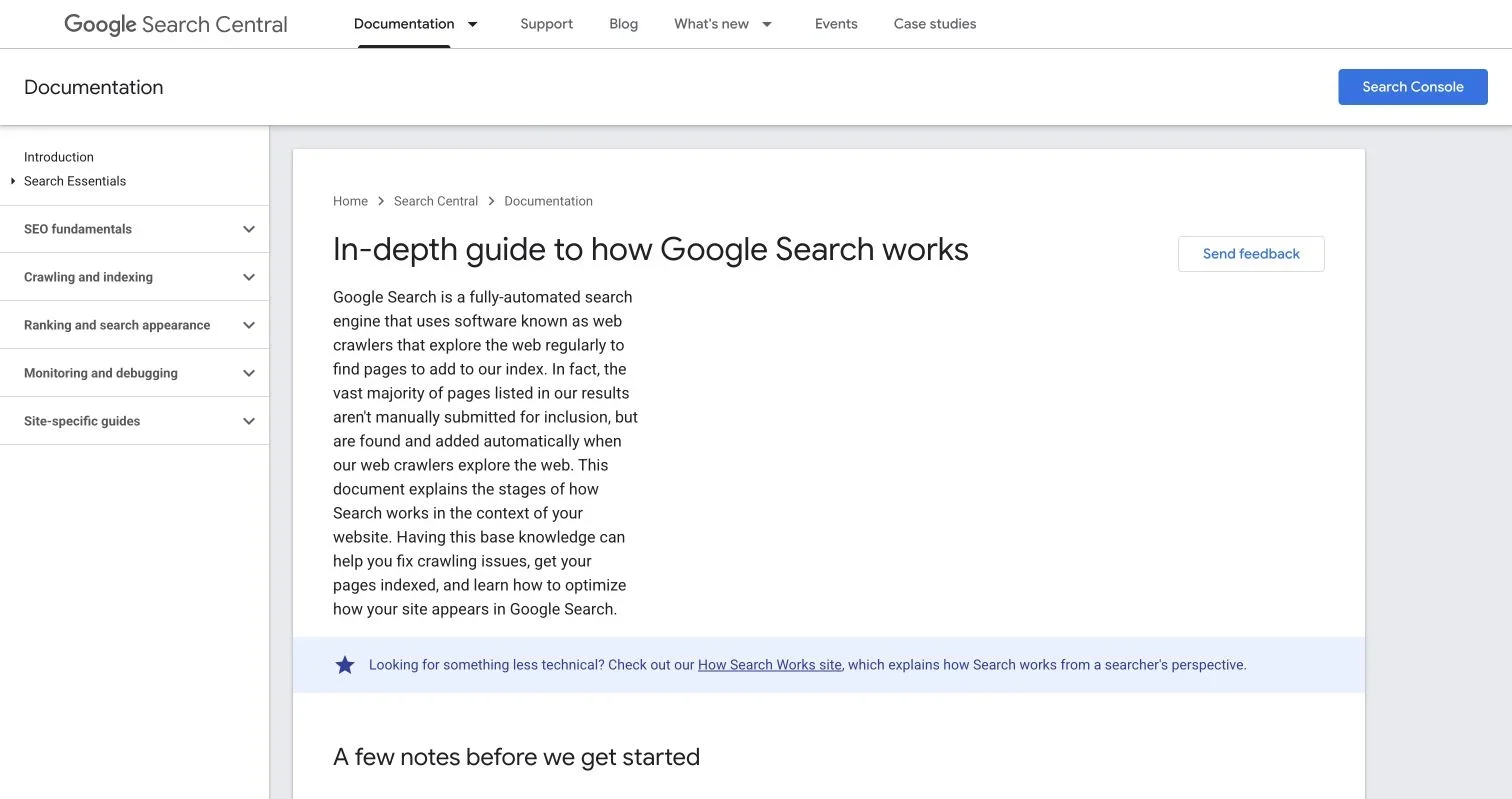
Source page reviewed in Chrome during article research. Follow the image link for the current page.
How a Search Engine Retrieves Information in LLM vs Search Engine Comparisons
Before you enter a query, a traditional search engine discovers, processes, and stores pages in a searchable index. When you search, it normally scans that index, not the live web, for relevant results.
Google’s explanation of how Search works divides the process into crawling, indexing, and serving results. Google says its crawlers look at billions of pages and that relevance may depend on hundreds of factors, including language, location, and device. It also warns that crawling, indexing, and appearance in results are not guaranteed.
Source screenshot: Google Search Central, “In-depth guide to how Google Search works”, accessed July 19, 2026.
The search process:
- Discovery: Crawlers find URLs through links, sitemaps, and previously known pages.
- Crawling: The system fetches accessible pages and may render JavaScript.
- Indexing: It analyzes content, metadata, language, duplicates, and canonical pages.
- Retrieval: It matches a query against the index.
- Ranking: It orders eligible pages using relevance and quality signals.
- Presentation: It returns links, snippets, local results, images, or other result types.
A search result is a ranked route to information, not necessarily a direct or accurate answer.
How a Generative AI LLM Produces an Answer
A large language model starts from a different foundation. It learns statistical relationships from large datasets, then uses your prompt and context to predict a useful continuation. Its internal parameters are not a searchable catalog of source documents.
That design makes LLMs useful for:
- Rewriting a technical policy in plain English
- Summarizing a support conversation
- Turning notes into a structured procedure
- Classifying tickets by topic or urgency
- Drafting questions for a vendor security review
But LLMs can generate fluent language without verified sources. A model may combine ideas, invent plausible details, or misattribute a real paper. NIST calls this behavior confabulation in its Generative AI Profile: confidently stated but false or erroneous content.
A plain LLM may have a training cutoff and miss recent changes to regulations, prices, appointments, or security advisories. Asking it to “check again” does not create live access.
Search retrieves candidate documents; an LLM constructs language. One can return poor sources; the other can produce an unsupported answer. Neither mechanism is a truth machine.
LLM Search Engine Systems Use Retrieval Augmented Generation
An LLM search engine adds a retrieval step before generation. The system searches the web, a company knowledge base, or both, then asks the model to answer from selected passages. This pattern is often called retrieval augmented generation, or RAG.
The query flows compare as follows:
| Stage | Search engine flow | Plain LLM flow | LLM search flow |
|---|---|---|---|
| 1. Input | User enters keywords or a question | User supplies a prompt | User asks a question |
| 2. Knowledge access | Query searches a prepared index | Model uses learned parameters and prompt context | Retriever searches web or private indexes |
| 3. Selection | Ranking system orders pages | Model predicts likely tokens | System selects passages and sends them to the model |
| 4. Output | Links, snippets, and search features | Generated answer | Generated answer with source links or citations |
| 5. Verification | User opens and evaluates pages | User must find separate evidence | User checks whether citations support each claim |
| 6. Feedback | Clicks or a revised query | Follow-up prompt | Follow-up prompt, new retrieval, or changed filters |
This hybrid AI search approach can save time. An IT manager might ask, “Which sections of our incident-response policy cover customer notification?” An internal LLM search system can retrieve the approved policy, quote the relevant passages, and summarize the steps.
Retrieval cannot prevent every error: the system may retrieve an old policy, miss an appendix or exception, or cite only partial support. Retrieval quality limits generation quality. In practice, an LLM search engine needs document ownership, version control, permissions, and evaluation tests as much as it needs a capable model.
LLM vs Search Engine Comparison for Business Use
Use search to find evidence, an LLM to transform known material, and controlled LLM search to combine both with fewer manual steps.
| Capability | Search engine | Plain LLM | LLM search engine |
|---|---|---|---|
| Primary output | Ranked sources | Generated response | Synthesized response with retrieved sources |
| Freshness | Depends on crawl and index timing | Depends on training and supplied context | Depends on connected sources and retrieval timing |
| Citations | Links are the main product | May be absent or invented | Usually included, but still require checking |
| Explanation | Spread across several pages | Strong at tailoring and simplification | Strong when retrieved evidence is relevant |
| Personalization | Location, language, history, and device may affect results | Prompt, account settings, and conversation may affect output | May combine search and model personalization |
| Private knowledge | Limited unless enterprise search is connected | Only information placed in context | Can search approved internal repositories |
| Repeatability | Rankings may change | Wording may vary between runs | Retrieval and wording can both vary |
| Main failure | Missed, stale, or low-quality result | Plausible but unsupported statement | Unsupported synthesis despite visible citations |
Four examples:
- A retailer checking whether a payment processor reported an outage should use current search or the processor’s status page.
- A support lead converting an approved return policy into five customer-friendly replies can use an LLM.
- A HIPAA compliance team locating every mention of breach notification across controlled policies can use permission-aware LLM search, followed by human review.
- A security analyst investigating a new CVE should begin with vendor advisories and authoritative vulnerability databases, then use an LLM to summarize the confirmed facts.
My rule is simple: the greater the cost of a false statement, the closer the user should remain to the original evidence.
Freshness, Search Citations, and Personalization in LLM Search
Freshness does not ensure accuracy: a new page can be wrong, an indexed copy outdated, or today’s article misunderstood. For current facts, record the source’s publication date, the event date, and the time you checked it.
In traditional search, a link identifies where to investigate; in LLM search, a citation appears to support a generated sentence. This can inspire undue confidence because a real citation may not support the full claim.
Use this citation check before relying on an answer:
| Item | What to Check | Why It Matters |
|---|---|---|
| Source identity | Publisher, author, domain, and document type | A forum post and a regulator’s rule do not carry equal weight |
| Claim support | Whether the cited passage states the actual claim | A related source is not proof |
| Date and version | Publication date, revision date, and policy version | Old guidance may conflict with current requirements |
| Scope | Country, industry, product, and exceptions | A correct statement may not apply to your case |
| Source chain | Whether the page links to the original record | Summaries can omit conditions or copy earlier errors |
Search results may vary by location, language, device, and history; LLM output may vary by conversation, preferences, instructions, and retrieved documents.
For compliance, teams should limit personalization through stable prompts, approved sources, logged document versions, and role-based access. A reviewer needs to reproduce the reasoning, not merely receive an answer that “felt right” for one account.
Generative AI Search Failure Modes and Privacy Risks to Control
Search and generative AI systems fail differently and need different controls. Search may bury the best page, surface search-engine-optimized misinformation, or show a snippet that loses the page’s context. An LLM may invent a fact, follow a misleading instruction inside a retrieved document, or reveal information placed in its context.
The OWASP Top 10 for LLM Applications covers risks such as prompt injection, sensitive information disclosure, excessive agency, and overreliance. A poisoned page could redirect an assistant, a transcript could expose health or card data, and a ticketing agent could exceed the user’s intent.
Common controls include:
- Data classification: Mark information as public, internal, confidential, regulated, or prohibited before selecting a tool.
- Minimum disclosure: Remove names, account numbers, secrets, and unrelated records from prompts.
- Contract review: Check retention, training use, subprocessors, data location, deletion, and breach terms.
- Access control: Make retrieval respect the source system’s permissions rather than creating a universal index.
- Human approval: Require review before sending messages, changing records, approving claims, or making security decisions.
- Logging: Store the prompt, retrieved document identifiers, model version, output, reviewer, and final action when policy permits.
A clinic should not paste a patient’s full chart into a public chatbot to draft a reply. A safer workflow uses an approved service, a minimum necessary data set, a business associate agreement where required, and a human check before sending.
Choosing between tools does not ensure privacy; configuration, contracts, data limits, and operational discipline do.
Choosing Between an LLM, AI Search, and a Search Engine
Start with the task, not the most impressive AI demo.
-
Define the output. Choose source discovery, an explanation, a transformed document, or an action. If the deliverable is evidence, begin with search or a controlled repository.
-
Rate the harm of error. An internal FAQ draft is low risk; HIPAA duties, SOC 2 exceptions, and active security incidents require authoritative sources and qualified review.
-
Set a freshness limit. Specify the acceptable age, then choose sources that meet it.
-
Choose the knowledge boundary. Public web search fits open research. Enterprise LLM search fits approved internal documents. A plain LLM fits text transformation when you provide the authoritative material.
-
Require evidence. Ask for links, document titles, version dates, and supporting passages; citations alone may not support the answer.
-
Test before scaling. Use representative questions with known answers to measure retrieval, factual support, abstention, permissions, and reviewer corrections.
A useful pilot scorecard follows:
| Measure | Suggested Question |
|---|---|
| Retrieval recall | Did the system find the approved document containing the answer? |
| Citation precision | Does each citation directly support its associated claim? |
| Freshness | Did it select the current version instead of an obsolete copy? |
| Abstention | Did it say when the evidence was missing or conflicting? |
| Privacy | Did unauthorized documents remain unavailable? |
| Effectiveness | Did review time fall without increasing corrected errors? |
Do not judge an LLM search engine or its search citations by polish alone. A plain sentence with sound evidence is better than an elegant paragraph built on the wrong policy.
Final Thoughts
Neither tool will replace the other. Search engines are built to retrieve and rank sources. LLMs are built to generate language from learned patterns and supplied context. An LLM search engine connects those abilities, but it also inherits failure modes from both.
Use search for current, authoritative evidence and an LLM to explain, classify, summarize, or draft trusted material. Use LLM search when a team needs faster answers across controlled sources, with permissions, versioning, citations, testing, and human review built into the workflow.
Most importantly, open the source, check the date, and read around the citation. For decisions affecting customers, compliance, money, or security, generated answers should begin, not end, the review.
Frequently Asked Questions
When should I use a search engine instead of an LLM?
Use a search engine when you need recent facts, authoritative sources, or multiple viewpoints. It is also the better starting point when decisions involve compliance, security, money, or customers because you can inspect the original evidence.
What tasks are best suited to a plain LLM?
A plain LLM is useful for explaining, rewriting, classifying, summarizing, or drafting from material you already trust. Avoid relying on it alone for current facts or claims that require verifiable evidence.
Does an LLM search engine eliminate hallucinations?
No. Retrieval can ground an answer in external material, but the system may select outdated or irrelevant documents, overlook exceptions, or draw conclusions the sources do not support. Important answers still require citation checks and human review.
How can I verify citations in an AI-generated answer?
Open each source and confirm that the cited passage directly supports the associated claim. Check the publisher, publication or revision date, document version, applicable jurisdiction, and any exceptions that the summary may have omitted.
Can I safely enter confidential business data into an LLM?
Only use confidential data with an approved service whose retention, training, access, deletion, and contractual terms meet your organization’s requirements. Remove unnecessary personal information, account numbers, credentials, and unrelated records before submitting a prompt.
How should a business evaluate an enterprise LLM search tool?
Test it with representative questions whose correct answers are already known. Measure whether it retrieves current approved documents, provides precise citations, admits when evidence is missing, respects permissions, and reduces review time without increasing errors.
Can search results or LLM answers be reproduced exactly?
Not always. Search rankings can vary by time, location, language, device, and history, while LLM answers can change with prompts, conversation context, model versions, and retrieved documents. For auditable work, record the query, source versions, retrieval results, model version, output, and reviewer decision.
Related Articles
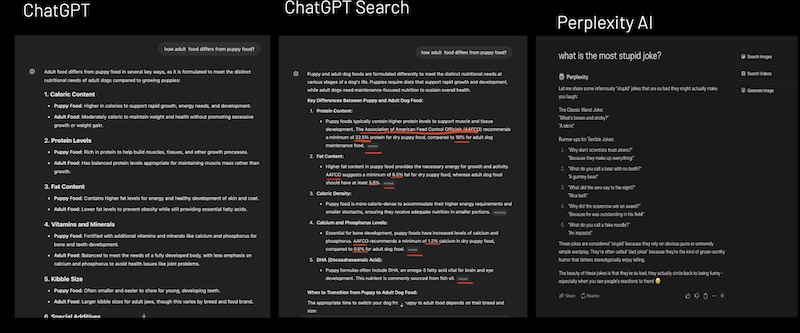
LLM vs AI Search: Understanding Response Generation
How AI search engines balance LLM capabilities with web search for optimal responses
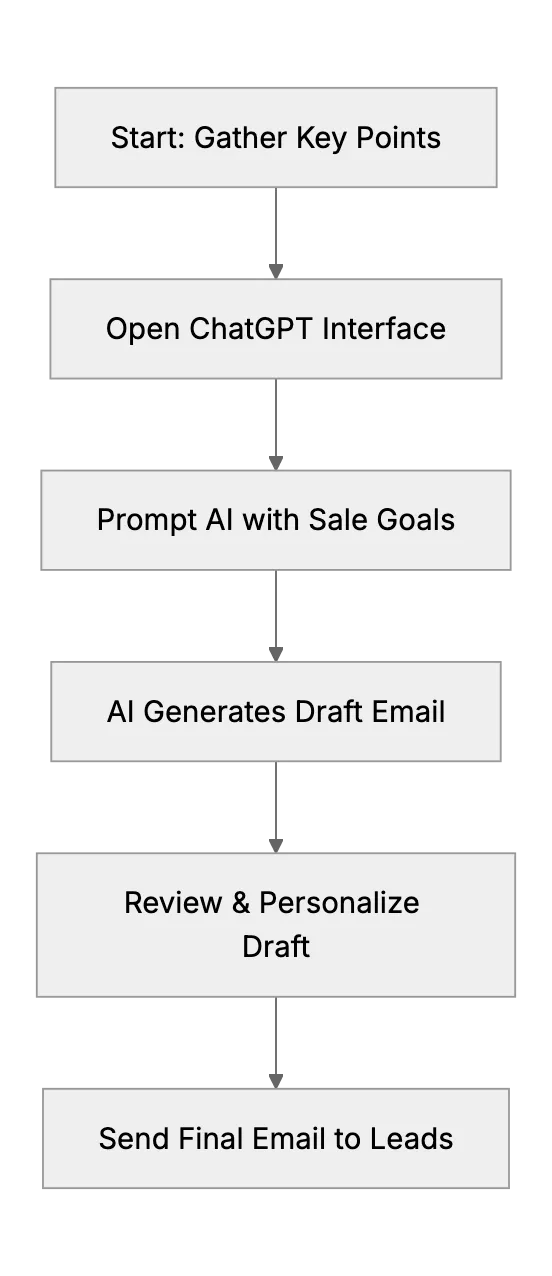
Sales Communications with ChatGPT for Small Firms
How small firms use ChatGPT to write outreach emails and boost sales communications
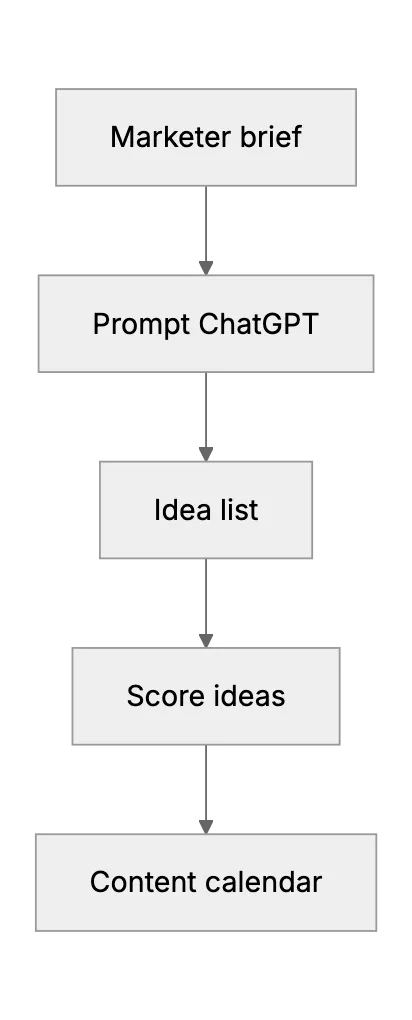
ChatGPT for Content Ideation: Smart Guide for Marketers in 2025
Step‑by‑step guide that shows how marketers use ChatGPT to spark fresh content ideas for blogs and product pages in 2025.