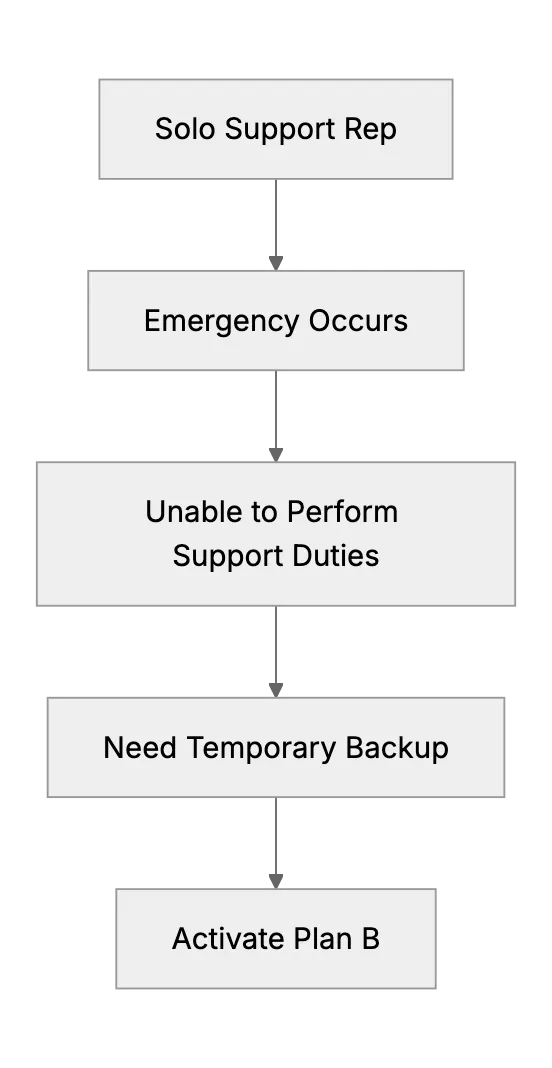
What Happens When the Only Support Person Is Sick? (Emergency Backup Plans)
Many small businesses have a single person who handles all customer support. It's manageable day to day. But what if that solo rep suddenly gets ill or needs emergency time off? Having an emergency backup plan is important for continuity. It doesn't need to be perfect. But it should make sure a stable minimum of customer care. Let's check out the basics.
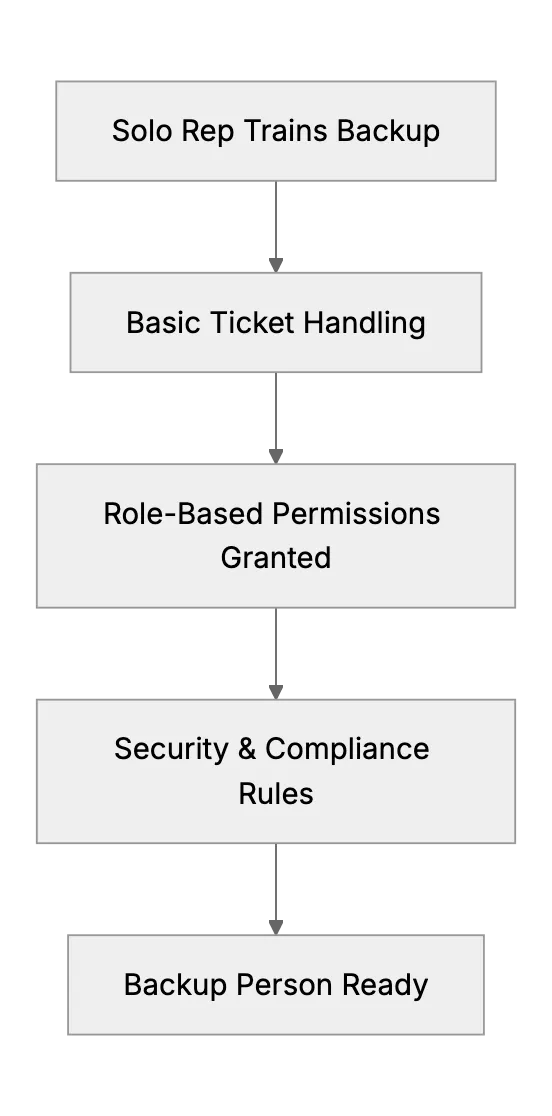
We should plan. Even if you think it won't happen, or you rarely get sick. Emergencies happen. You don't want to leave customers in the dark. Role-based permissions allow a trusted stand-in to handle basic tickets without full database access. Let's look at how to prepare an emergency backup plan.
Step 1: Identify a Backup Person
Look around your organization. Who can jump in short term? Could be someone from a different department. Or even a close colleague who knows the basics. If you're a one-person shop, you might have a family member or an external partner who can take over minimal tasks. Provide them a quick tutorial on how to use the support software.
Step 2: Document Procedures
Write a brief guide. Summaries of common issues and solutions. Key login instructions to the ticketing system. Steps to escalate urgent problems. The plan doesn't have to be a novel. Short bullet points are enough if they're clear. Keep it accessible. Store it in a shared folder with read-only permissions or a secure knowledge base.
Step 3: Use Auto-Replies and Prioritization
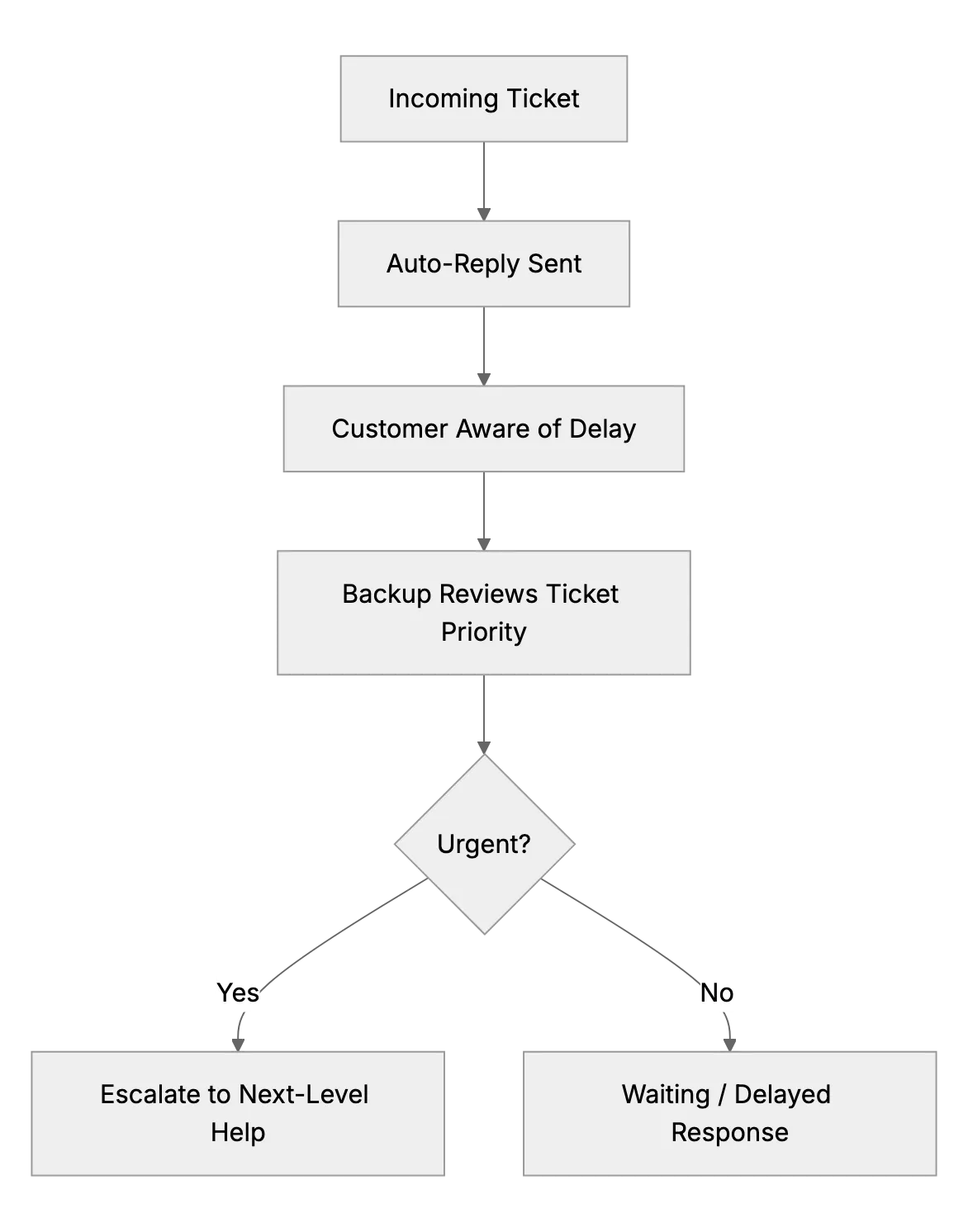
If the backup person can't fully handle tickets, at least use auto-replies to let customers know there's a slow-down. Apologize for the delay and explain there could be an extended response time. For urgent or VIP tickets, define a priority path. Have the backup escalate directly to you, if you're well enough to do minimal tasks, or to an external contact if you're fully unavailable. This maintains some customer trust even when your capacity is limited.
Step 4: Train on Basics of Security and Compliance
A Real-World Example
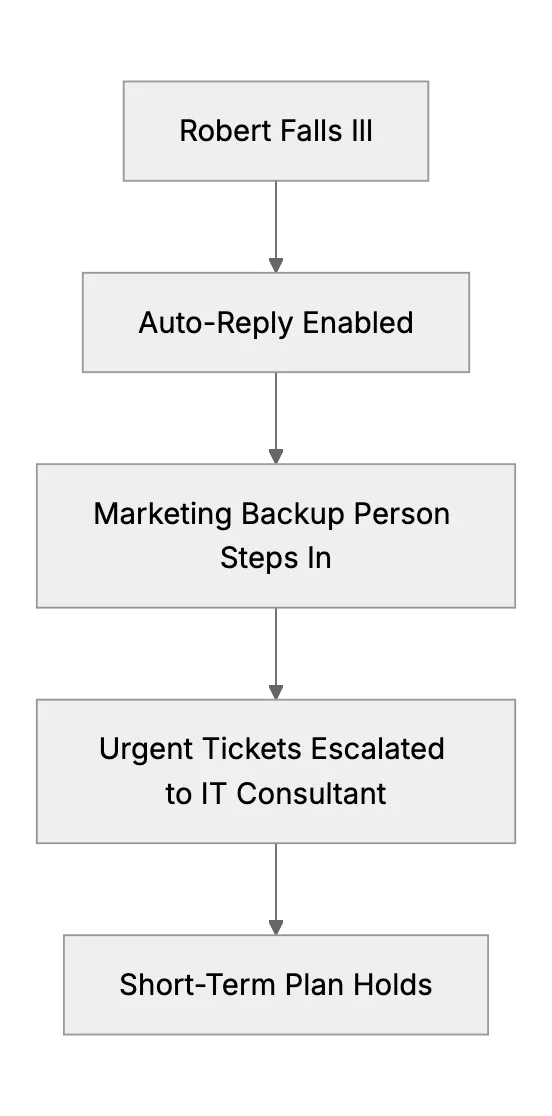
Meet Robert, a sole support rep at a small SaaS company. He handles every ticket. Robert got the flu one day. Hard time typing or talking. He had minimal backup in place: a coworker from marketing knew the basics of the support system. Robert set an auto-reply telling customers that responses might be delayed. For very urgent issues, the coworker would message Robert if possible, or contact an IT consultant who had read-only access. Robert recovered in a few days. Customer complaints were minimal since they'd been informed. That wasn't ideal, but it worked.
End
Even a simple plan can save a solo support setup from chaos. Identify a backup. Document the basics. Use auto-replies. Make sure there's some prioritization approach.
Related Articles
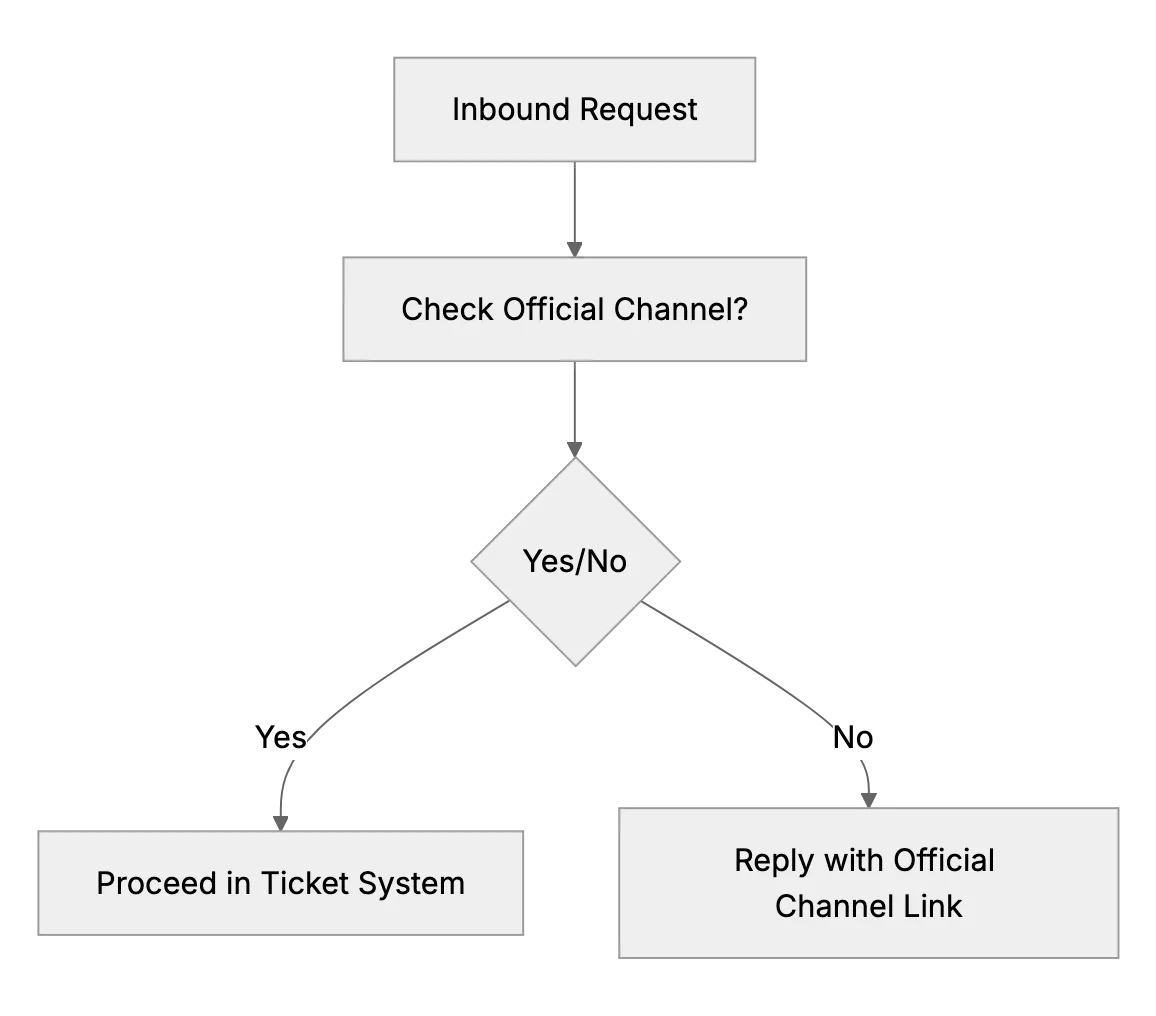
What to Do if Customers Contact You Outside Official Channels
When customers DM or text your personal accounts, reply kindly and point them to your official email or support desk so every request is tracked.
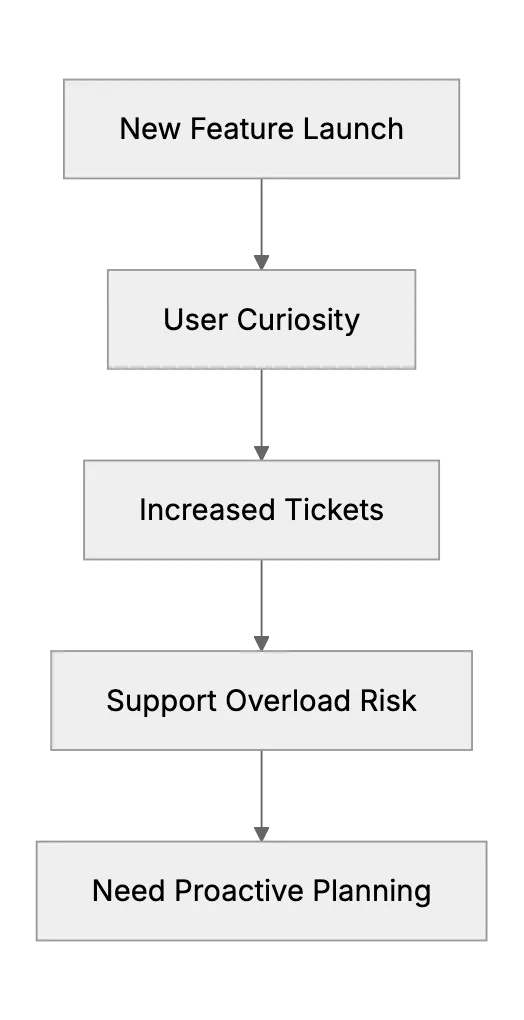
Handling Support Surges After a New Feature Launch or Update
When a small software team rolls out a big change, support tickets can spike with questions or bugs. This article provides a game plan: prepare support docs/FAQ updates ahead of the launch, coordinate with the dev team to be on standby for hotfixes, maybe run a beta with friendly customers to catch issues early. It will use ideas from experienced small teams who learned the hard way to communicate changes clearly to users to avoid confusion.
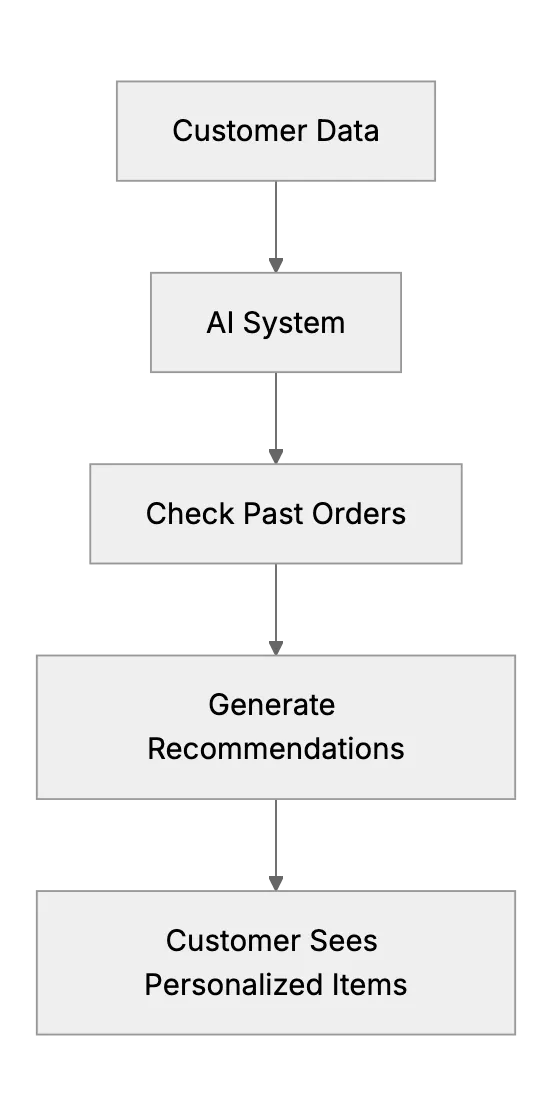
Personalized Customer Experience: How AI Systems Remember Preferences
Small businesses use AI to remember customer preferences and tailor service