Juggling Backlogs, Calls, and Emails as a One-Person Helpdesk
Some support roles feel never-ending. You pick up calls, try to finish tickets, and new ones show up. You attempt to reply to emails, but then the phone rings. It's easy to get overwhelmed. We'll look at practical ways to manage these competing demands, especially if you're the only person working the helpdesk.
Why the Backlog Grows
Customers expect quick responses. They might not realize you're juggling a queue of calls plus a stack of open tickets. Multichannel support (calls, emails, chat) is great for them, but it can bury you. Time management is important to keep up. There's no magic fix, but certain tactics can reduce your backlog.
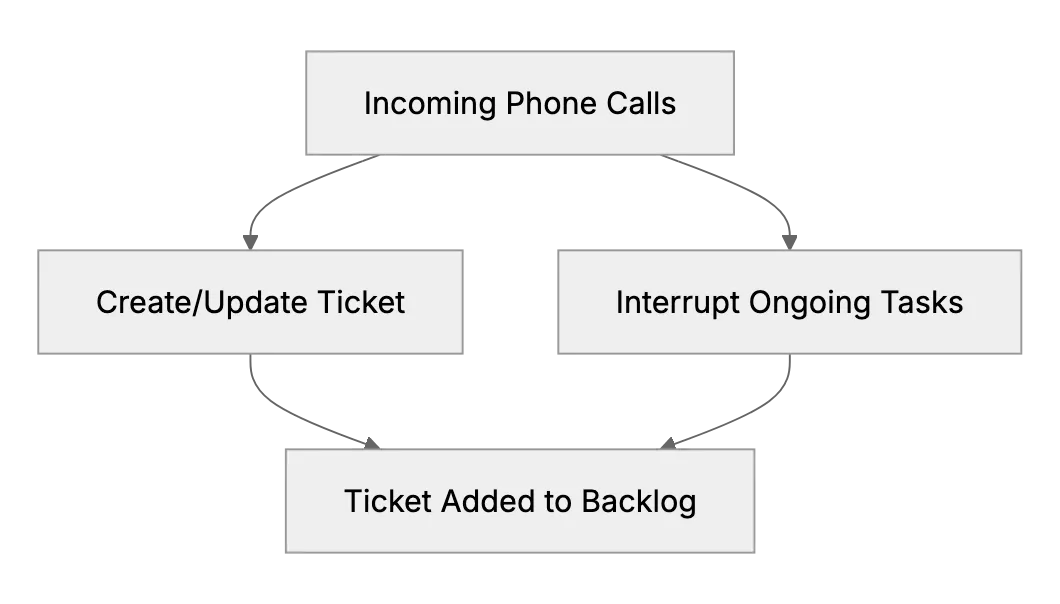
In the diagram, we see new phone calls lead to ticket creation, but they also interrupt your current tasks. The backlog builds up. The key is finding a system to handle these requests more efficiently.
Set Realistic Expectations
Let customers know typical response times. That alone can reduce follow-up calls. Some find it beneficial to block off time for direct calls. Others prefer a phone queue that's active only during certain hours, to catch up on existing tickets outside that window.
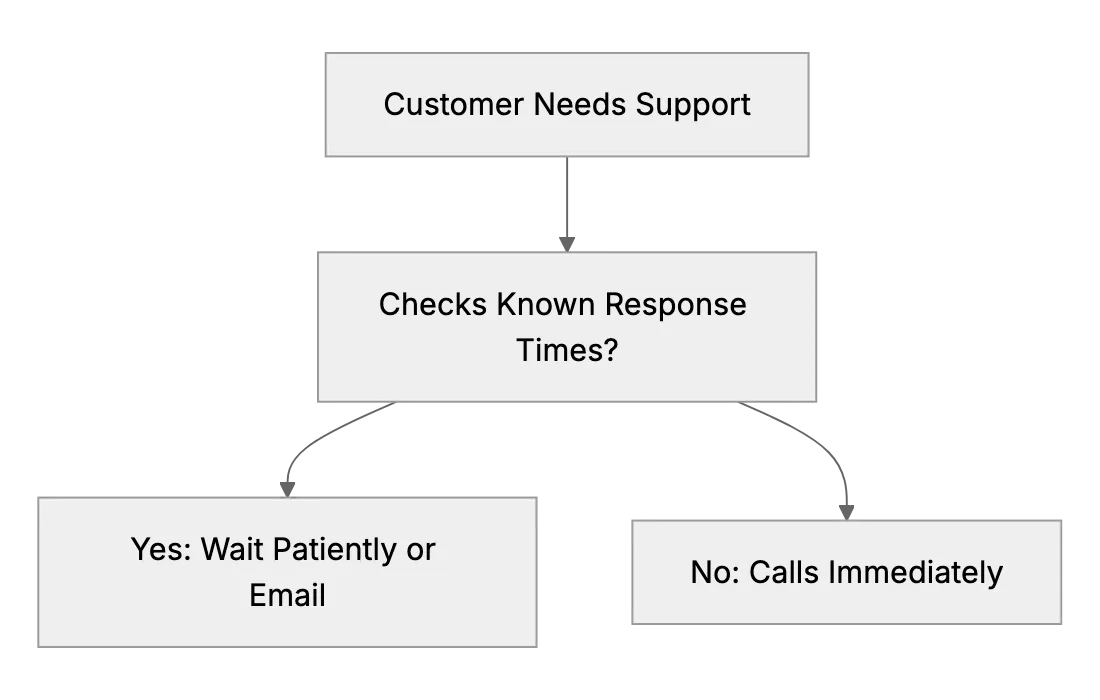
By publishing response times, you guide users toward a more manageable flow of questions. You might still get immediate calls, but hopefully fewer. Plus, you can schedule call-backs during quieter periods.
Time Blocking for Calls and Tickets
Some support pros schedule blocks each day for ticket catch-up. During that window, no calls are answered live. You let them roll to voicemail or set an auto-attendant. After that block, you dedicate an hour or two to calls. This alternating approach helps you make progress on backlog without ignoring phone requests entirely.
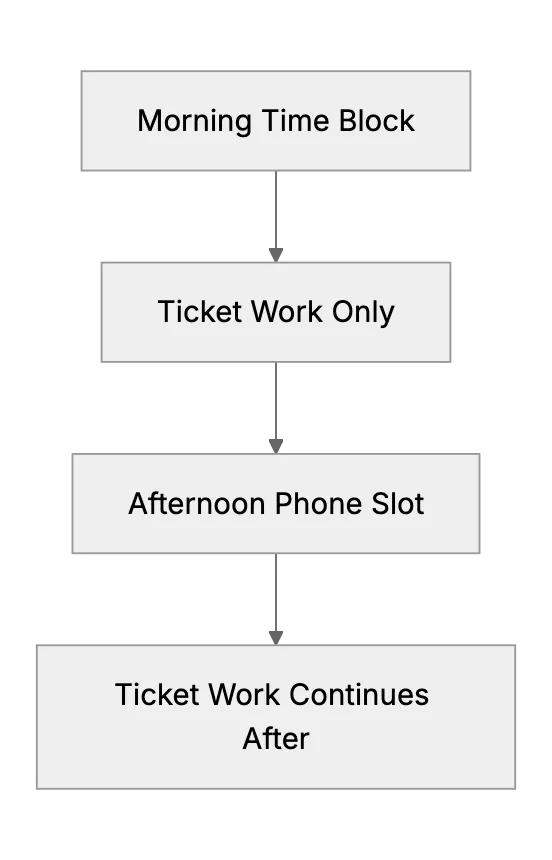
When done consistently, you may see backlog shrink. You then refine your schedule. If you constantly get calls in the morning, you might do calls first and shift ticket work to afternoons.
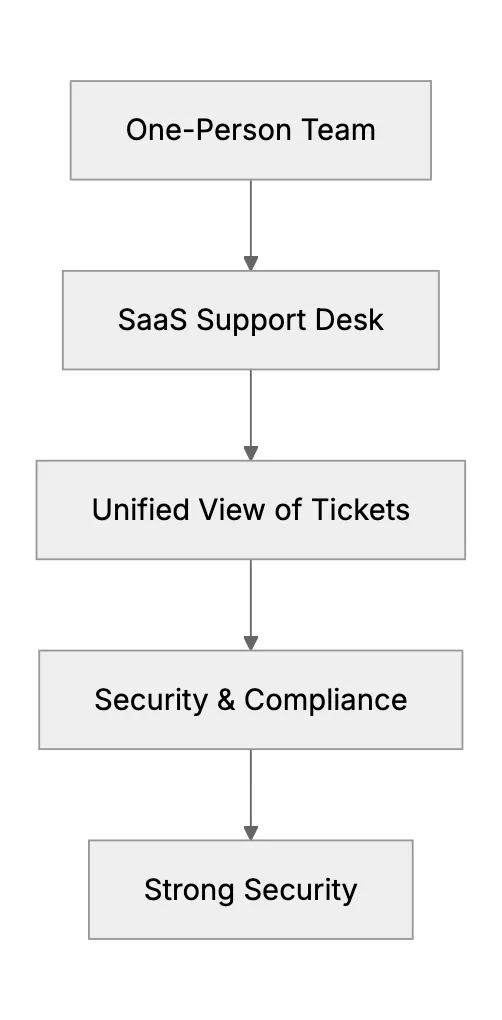
Leverage a Strong Support Desk Solution
Manual juggling is tough.
Automate Where Possible
Automation can handle some repetitive tasks. For example, automatic ticket creation from emails or a chatbot that answers basic questions. Each small automation frees time for real issues.
Multitasking vs Context Switching
Humans aren't great multitaskers. It's actually rapid context switching. Each switch can lower productivity. Try chunking tasks: answer all emails in a 30-minute window, then spend the next 30 minutes on phone calls or tickets, etc. This helps you remain more focused instead of jumping around constantly.
Keep Track of Priorities
Urgent issues should get priority. Less important tasks can wait. Within your helpdesk tool, tag or label each ticket. "High," "Medium," "Low." Then handle them in that order. This ensures you're not ignoring the biggest fires. Let people with low-priority problems know there may be delays. That's fine as long as they know you haven't forgotten.
Ending Thoughts
Running a one-person helpdesk is demanding. The backlog won't always vanish, but you'll handle it more confidently.
Related Articles
Time Management Hacks for Solo Support Reps (Staying Organized)
Working support alone? Check tickets in set blocks, filter email into one queue, batch similar tasks, use templates, and mute alerts for focused work.
Handling Concurrent Support Requests When You’re Alone on Duty
When two chats, three calls, and five emails come in at once (and you’re the only rep) what do you do?
Handling Escalations with No Tier-2 Support (Small Team Strategies)
No second support tier? Tell customers you'll check, send developers logs and screenshots, keep a small knowledge base, and define what is urgent.