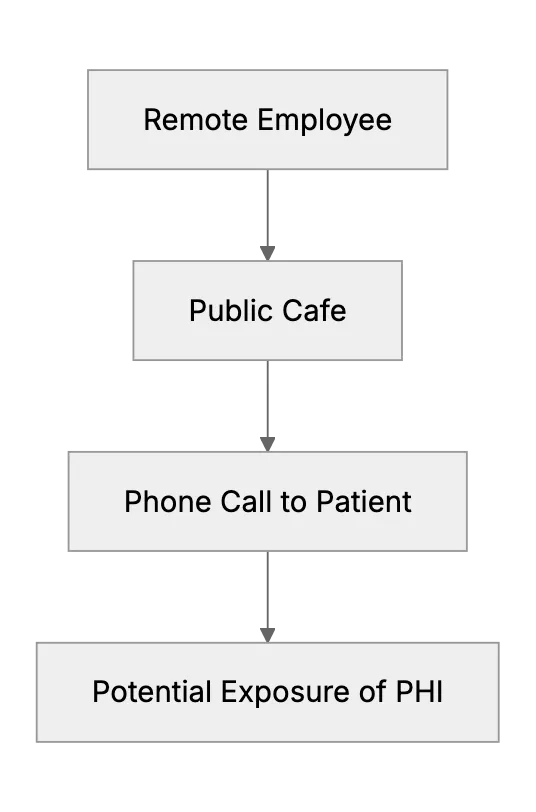
Making Work Calls in Public Cafes: HIPAA, SOC 2, and GDPR Considerations
Making Calls From Public Cafes: HIPAA, SOC 2, and GDPR Risks
Remote work is convenient, but questions arise when employees handle sensitive data or call patients from public spaces. We will discuss HIPAA, SOC 2, and GDPR considerations. We'll also look at steps to keep data secure while using a SaaS-based customer support desk.
HIPAA Compliance and Public Phone Calls
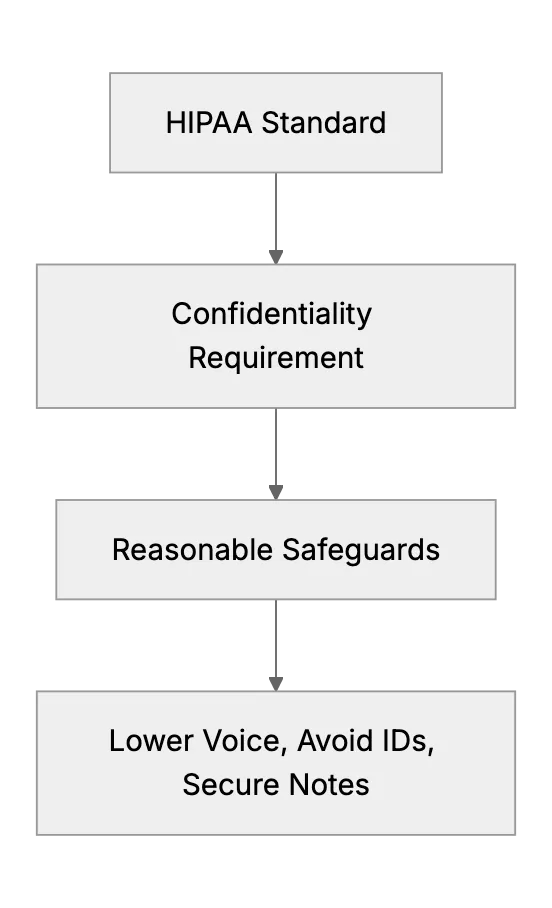
HIPAA requires safeguarding Protected Health Information (PHI). When calling a patient, one must reduce the risk of unauthorized disclosure. If someone overhears, that might compromise confidentiality. HIPAA doesn't forbid making calls in public spaces, but it demands reasonable safeguards:
- Use of a low voice to prevent eavesdropping.
- Secure note-taking that isn't visible to others.
- Avoid sharing identifying information if others can overhear.
If remote staff must discuss PHI, they should find a private spot or use noise-cancelling headphones. They must store any notes securely. A well-designed cloud-based support desk with advanced security features can help make sure stored data remains protected. HIPAA compliance isn't about restricting where calls happen, it's about how they're handled.
SOC 2 Concerns for Public Conversations
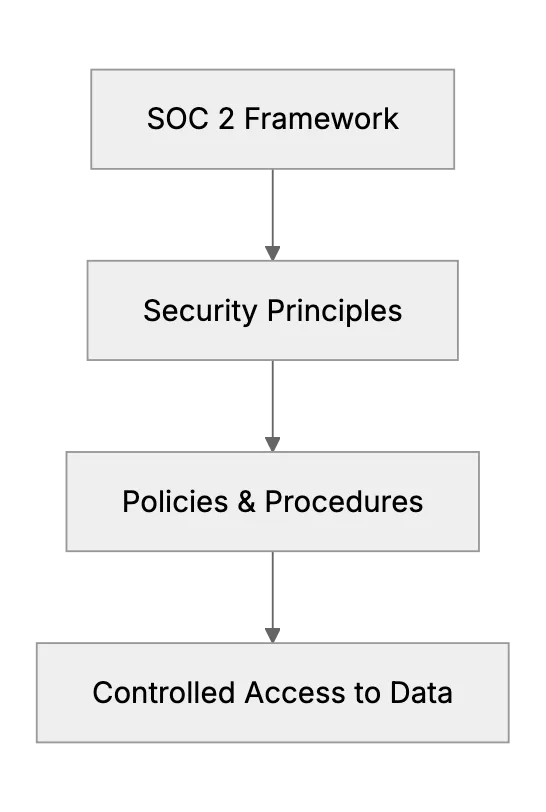
SOC 2 compliance focuses on the security, availability, and confidentiality of customer data. If an employee is discussing internal strategies or tasks in a public cafe, there's a risk that a passerby might overhear. SOC 2 doesn't explicitly prohibit such calls, but it expects policies and procedures to protect information from unauthorized access. This includes:
- Using secured communication methods when possible.
- Limiting sensitive details in non-private environments.
- Following strict access control procedures for follow-up actions.
All of this is easier if the organization uses a secure helpdesk platform that tracks access and enforces security policies. For SOC 2, the main focus is ensuring you have and follow processes that mitigate risks. Taking calls in public can be okay, as long as data confidentiality is maintained.
GDPR Implications
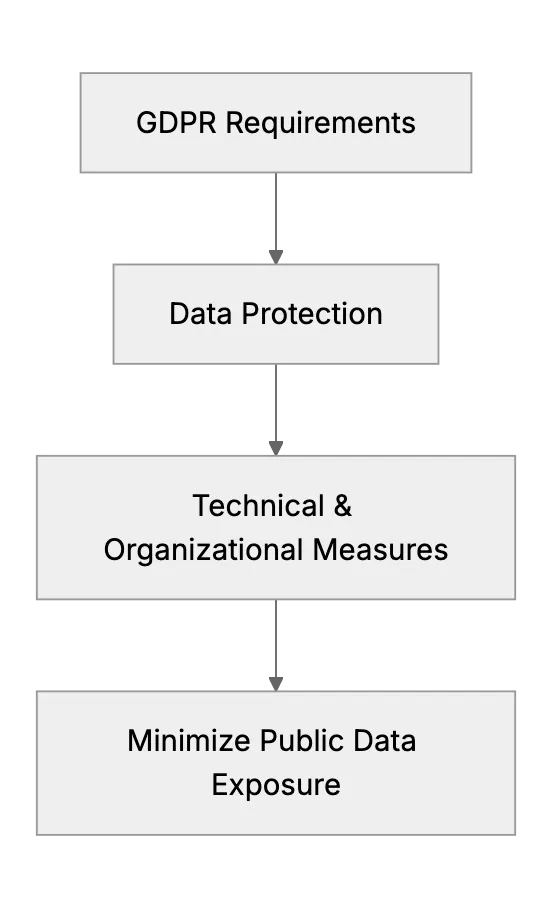
GDPR protects personal data of EU residents. Even outside the EU, many businesses follow GDPR-like standards for consistency. Making calls in public about personal data can be risky if others hear sensitive details. The law generally requires that personal data be processed with appropriate technical and organizational measures. So employees should prevent unauthorized disclosure. This includes limiting personal details shared aloud.
Public calls aren't automatically disallowed under GDPR, but if personal data is leaked, it could be considered a breach. The best approach is to minimize the info shared in public. For additional safety, consider encryption for digital notes or a dedicated SaaS platform with GDPR compliance features. The organization's accountability is key.
Best Practices for Compliance
Work calls from public cafes are a reality. Here's how to mitigate compliance issues:
- Use headphones: Reduces the chance of being overheard.
- Limit detailed info: Keep sensitive data out of public earshot.
- Secure note-taking: Use a locked device or encrypted notes. Avoid writing on paper if possible.
- Policy awareness: Train employees about HIPAA, SOC 2, and GDPR requirements.
- SaaS with advanced security: A cloud-based support desk that logs access and encrypts data can help maintain privacy.
Frequently Asked Questions
1. Is calling a patient from a cafe always a HIPAA violation?
It’s not automatically a violation. But employees must make sure no unauthorized person overhears PHI or sees private notes.
2. Can employees discuss internal strategies in public under SOC 2?
SOC 2 requires protecting confidential data. Calls in public can be done if data remains secure and unauthorized parties cannot access it.
3. Does GDPR ban phone calls with personal data in public?
Not specifically. But GDPR demands measures to prevent unintended disclosures. Using privacy measures is important.
4. How to protect notes taken during a patient call?
Use secure, encrypted note apps. Paper notes can be lost or viewed by others, so keep them locked if used.
5. Do we need special software when working from public places?
It helps. A secure helpdesk or SaaS platform with HIPAA compliance support and advanced security reduces risk.
6. Should employees ask patients for permission to talk if in public?
It’s good practice to inform them if you’re in a less private setting. Confirm if it’s fine to continue.
7. Are headphones enough to meet compliance?
Headphones alone help reduce eavesdropping. But staff must still minimize what is shared or displayed. Policies are key.
Related Articles
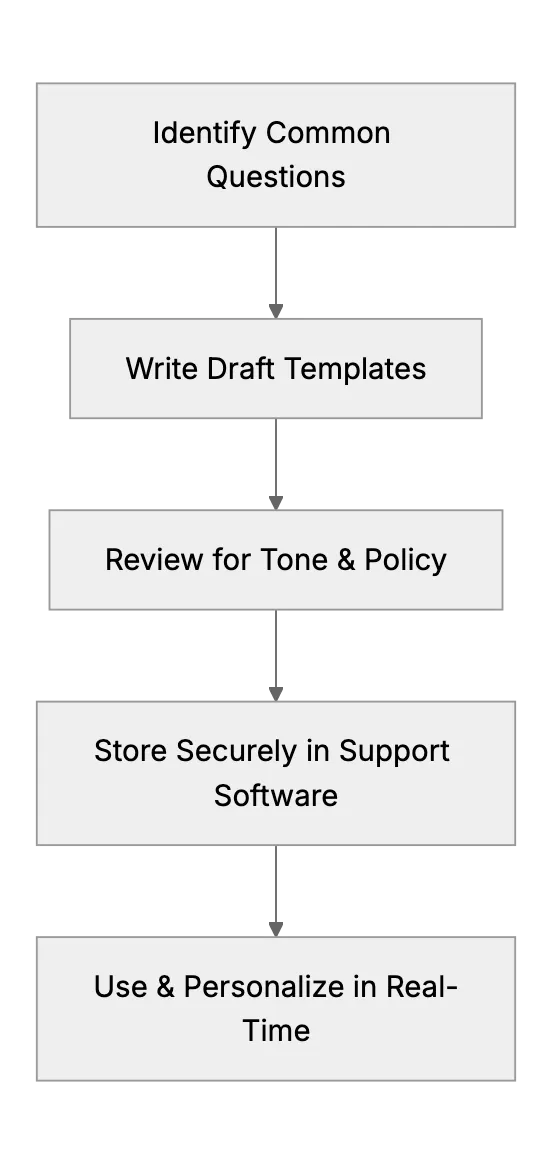
Creating Effective Canned Responses to Save Time (Small Team Tips)
Many support professionals advise using saved reply templates for common questions. This article will guide a small support team in developing a library of canned responses, for example, a template for refund policy inquiries or a polite way to ask for more information. It will stress that these should be well-crafted (sounding human, allowing slight personalization) to maintain quality. By quoting a user’s success with this method, it shows how even a one-person support team can appear fast and consistent by not retyping the same answers every time.
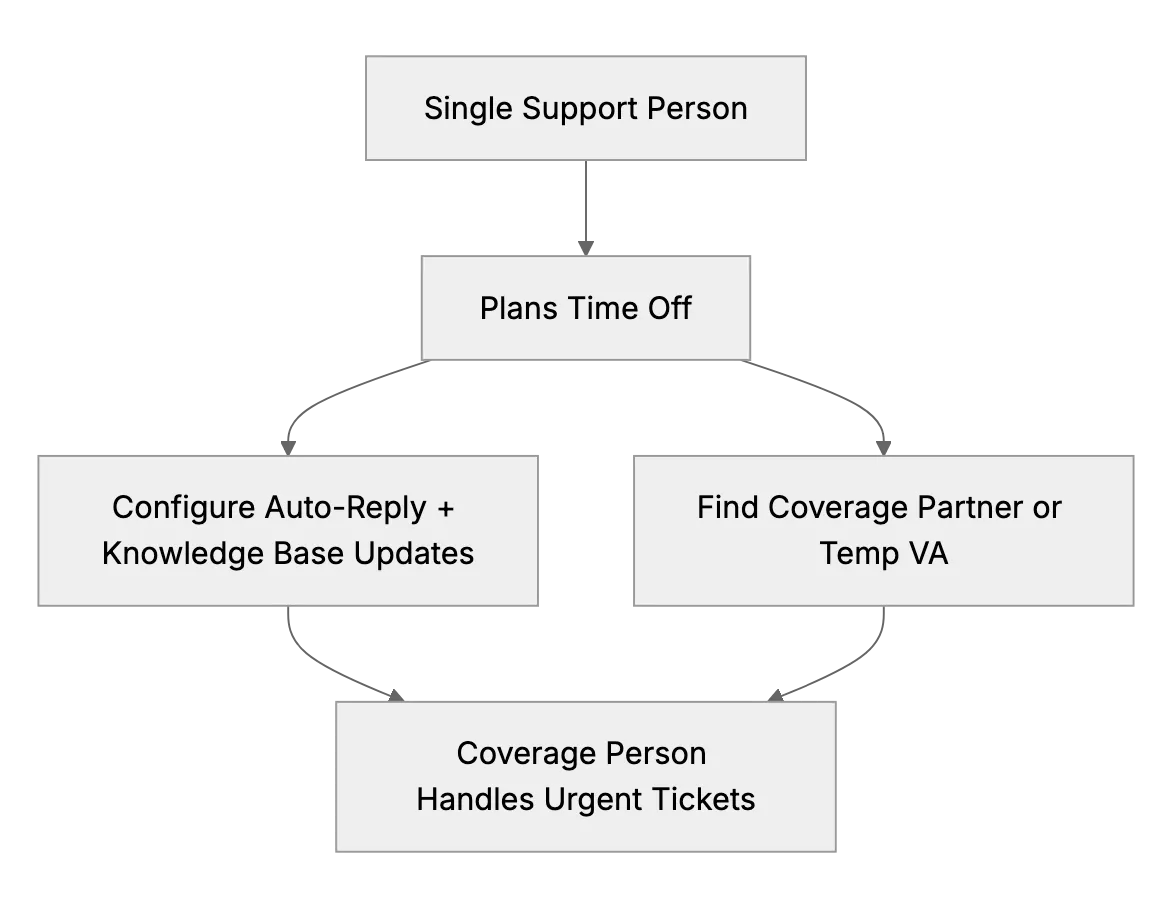
Taking Time Off When You are the Only Support Person (Planning Coverage)
A question that often comes up in one-person support teams: What do you do when you need a vacation or fall ill? This article outlines practical strategies for arranging coverage, notifying customers of reduced availability, and preparing a knowledge base to keep things running smoothly.
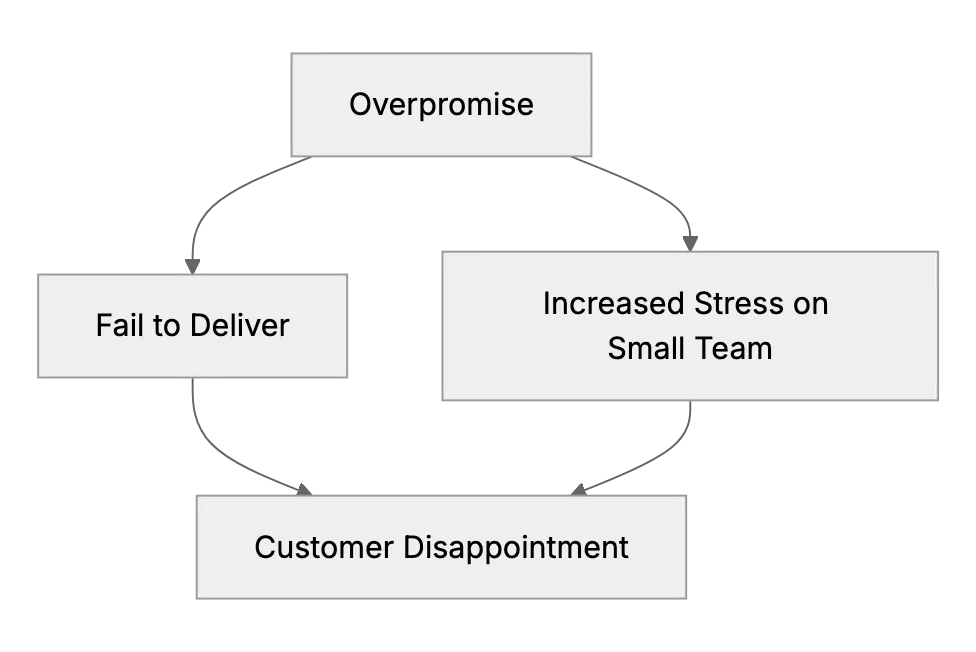
Avoiding Overpromising: Setting Support Boundaries Your Small Team Can Uphold
Learn how to set sensible small-business support policies to protect your team from unrealistic demands