Encouraging Customers to Use Self-Service Options First
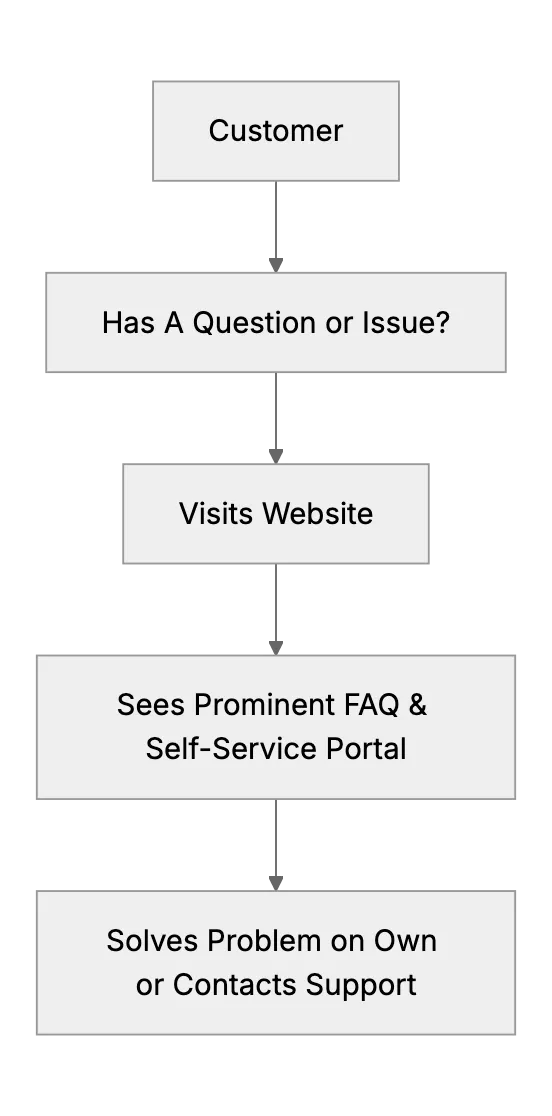
Small businesses can sometimes appear slow in customer support if they rely on manual email processes. But a solid knowledge base and clear FAQ can help. It reduces support load and improves customer experience. When customers have an FAQ or chatbot at their fingertips, they often solve problems on their own. This helps teams stay focused on the tasks that matter.
We all know large corporations that keep you waiting forever. Sometimes you submit a ticket, then wait days. A good FAQ can make your response look faster in comparison. Key is to make self-service the easiest path. This article explores ways to encourage users to check self-service first. We'll cover knowledge base placement, chatbots, small incentives, and more.
Place Self-Service Front and Center
Make it obvious. When someone lands on your contact page, highlight your knowledge base. A direct link with clear language: "Got a quick question? Check our FAQ first." That invitation can nudge them away from emailing. If they do end up emailing, set expectations about response time, but remind them they might find immediate answers in the FAQ or the chatbot. This is how you push them gently toward self-service.
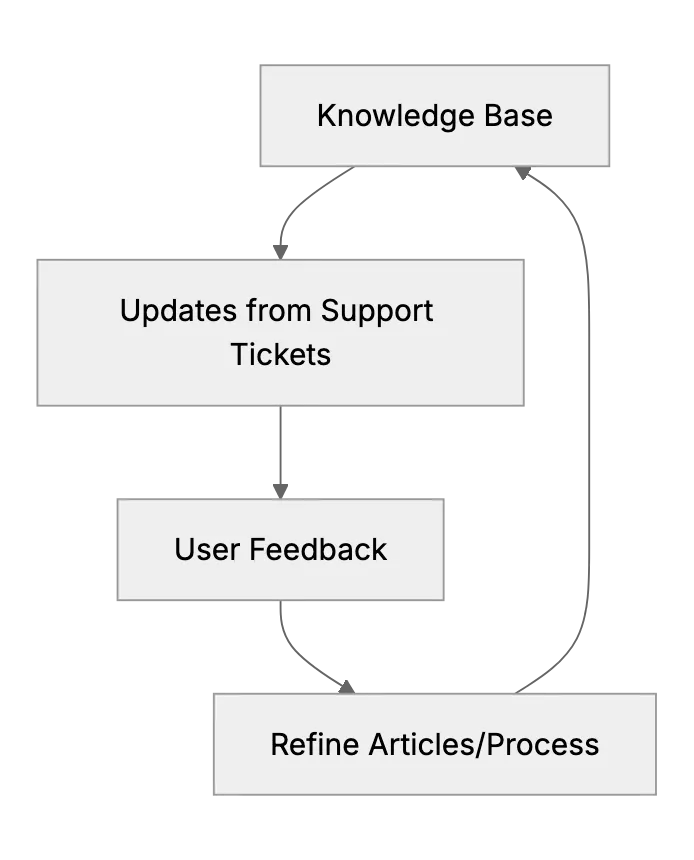
Meanwhile, your knowledge base should be updated regularly. Old or incomplete docs can erode trust. Consider user feedback to keep articles relevant.
Leverage Chatbots with Smart Suggestions
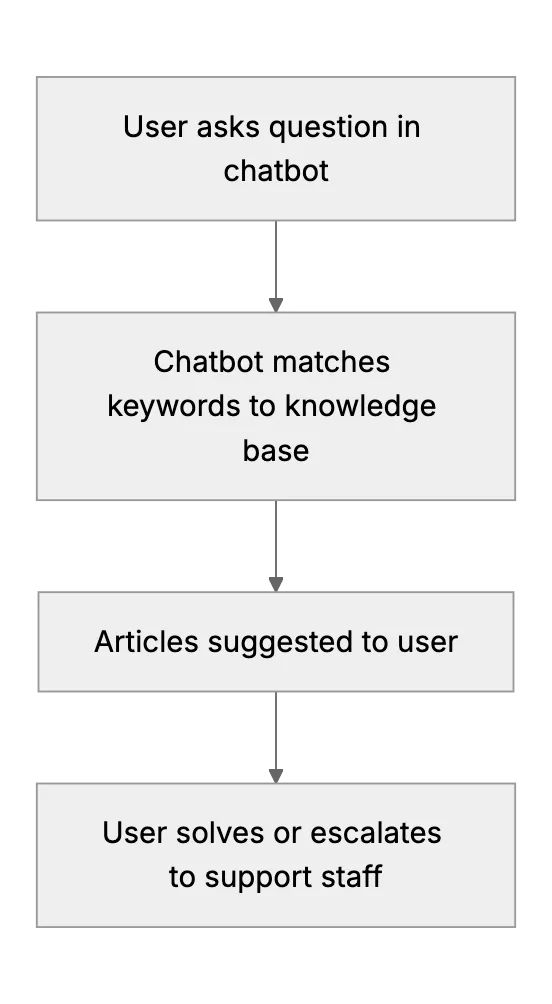
Chatbots have become common. The best ones quickly identify keywords from a user’s question, then present relevant articles. They can drastically reduce ticket volume. They also feel more interactive than rummaging through a big FAQ index. Proper training of the chatbot is important. If the bot gets it wrong, customers get frustrated and skip self-service entirely.
Of course, not all chatbots are equal.
Offer Incentives for Self-Service
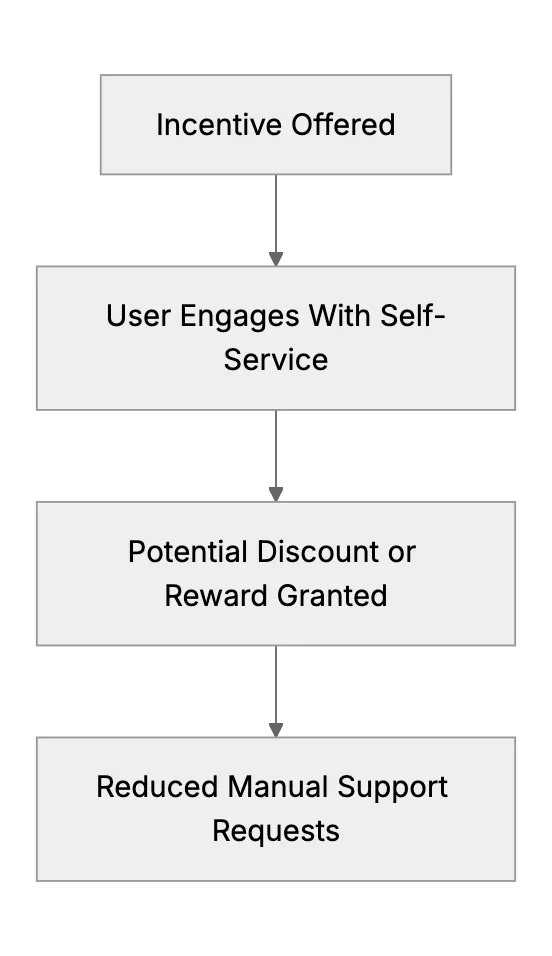
Sometimes a small token motivates people to try your self-service portal. Could be a discount code or free credits if they resolve issues through FAQ first. This approach might not fit every brand, but it's an idea. Gamifying the experience, like awarding points or badges for reading knowledge base articles, can be fun too. Remember not to overshadow the main point, which is immediate user help and less queue time.
Keep your incentives simple. Complex rules about how to earn them can confuse. State it clearly: "Use our self-service for a faster resolution. Get a small reward when you do." This approach can reduce the burden on your team and boost user adoption of the knowledge base or chatbot. Over time, your self-service approach can become part of your brand identity.
Promise Realistic Response Times
A big complaint about support is that it takes forever. If you set a 24-hour response window but typically respond within 2 hours, you look better than expected. This approach helps overshadow large corporation wait times. People appreciate honesty. If you say "24 hours," they accept it. Then if your FAQ or chatbot solves the issue faster, it's a win for them. They might not even need an agent's response.
Ensuring Security & Privacy
Measure Adoption & Optimize
Finally, measure everything. Track how many visits your knowledge base or chatbot receives. Track how many inquiries move on to agent support anyway. Look for patterns in the questions. Update articles so. Self-service is an iterative process. You won't get it perfect on day one, but you will improve every time you refine content based on user behavior. This data-driven approach helps keep users satisfied and your support queue manageable.
Related Articles
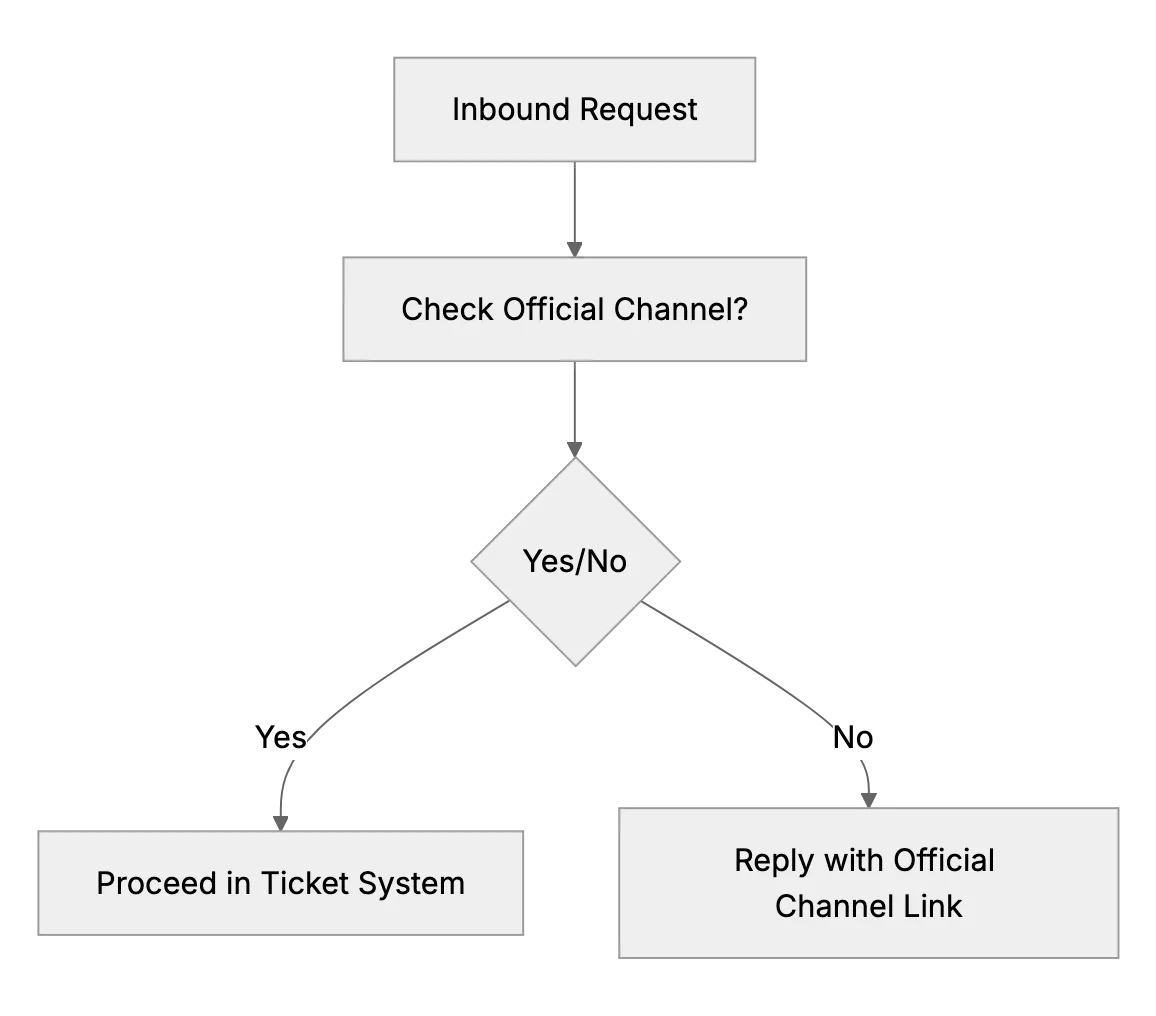
What to Do if Customers Contact You Outside Official Channels
When customers DM or text your personal accounts, reply kindly and point them to your official email or support desk so every request is tracked.
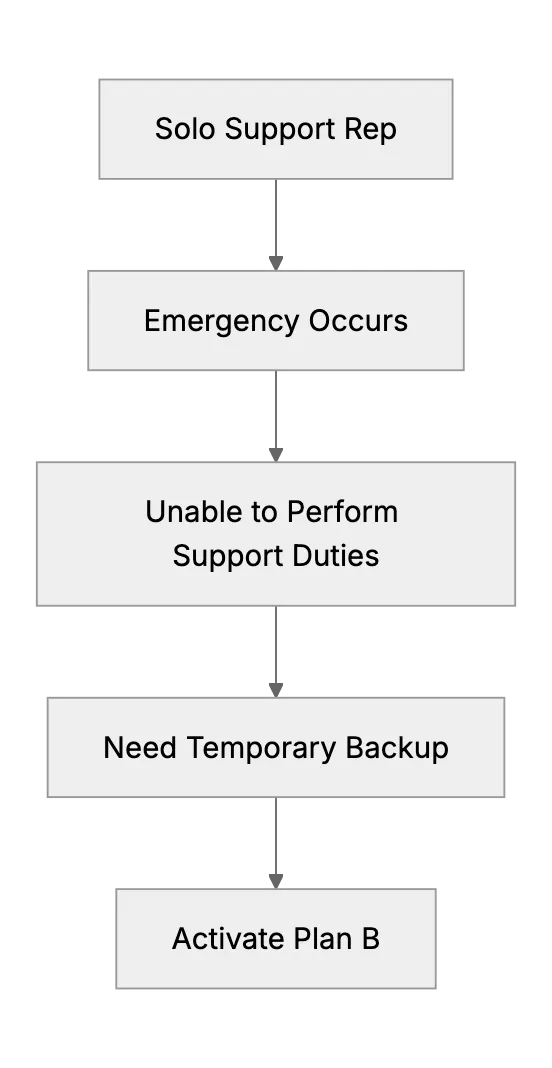
What Happens When the Only Support Person Is Sick? (Emergency Backup Plans)
Preparing a backup plan for a one-person support team during unexpected illness or personal emergency.
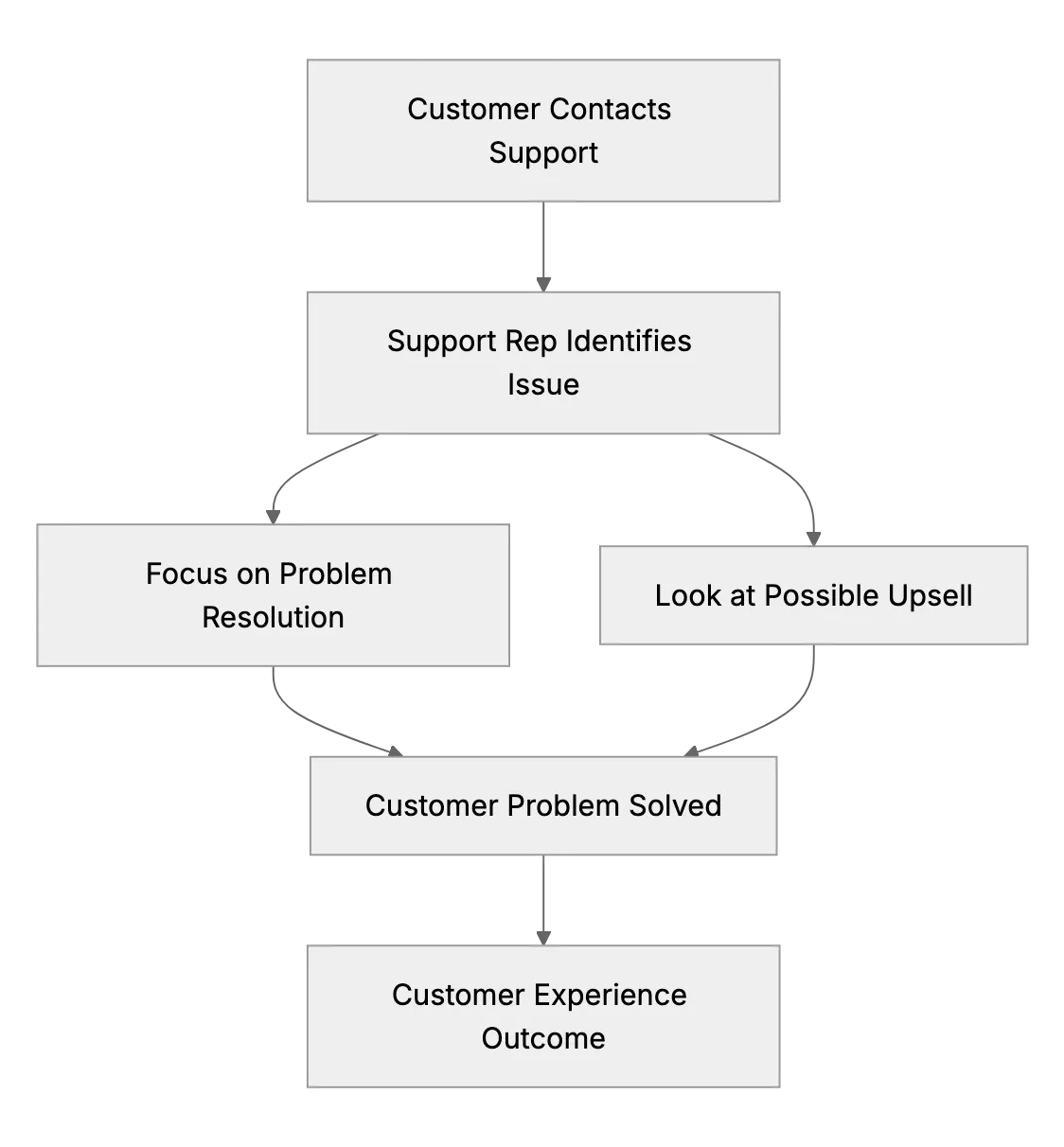
Should Small Support Teams Upsell or Just Solve Issues? (Finding the Balance)
Small business owners often wonder if their support exchanges should also be used for sales opportunities, like cross-selling or upselling. This article explores customer experience vs. revenue for small teams.