Keeping Support Documentation Updated with a Small Team
Running a small team is a juggling act. Everyone focuses on daily tasks. They handle urgent requests. Documentation often gets neglected. Here are practical ways to keep support docs fresh without dedicated documentation staff.
Current support docs provide important benefits. They help teams work faster. They reduce repeated explanations. A well-maintained knowledge base becomes essential for customer support operations.
Many teams rely on wikis for documentation. Wikis become problematic when updates stop happening. Knowledge becomes outdated. Users lose trust in the information. They start asking colleagues directly. This disrupts normal workflows. Solutions exist for this common problem.
1. Schedule a Documentation Day
Select a specific time for document review. This could be weekly or monthly. Block one to two hours for this purpose. Make updates the priority during this time. Document procedures thoroughly, including steps for any regulated tasks. This routine prevents knowledge bases from becoming outdated. Team members understand this is a regular requirement.
Documentation maintenance doesn't require extensive time. Small edits provide significant value. Process changes should be documented immediately. This approach supports regulatory requirements effectively. Auditors value current documentation. The same principles apply to security practices. They ensure proper record-keeping.
2. Assign Article Owners
Every document needs an assigned owner. This person checks content accuracy regularly. They ensure documentation matches current processes. Owners verify alignment with company standards. They update content when procedures change. Small teams can rotate these responsibilities among team members.
Include ownership assignments in job descriptions. Make them part of monthly responsibilities. This creates clear accountability. Team members know who handles specific documentation areas. The knowledge base improves continuously with this approach.
3. Use Tools That Make Updates Easier
Simple update processes encourage participation. Some support systems allow knowledge base editing within the ticket interface. This creates workflow efficiency. Version control systems benefit teams comfortable with such tools. Shared repositories track every change automatically.
Choose solutions compatible with existing systems. Verify security capabilities when needed.
4. Highlight the Importance of Documentation
Teams should understand how documentation supports regulatory needs. Audits often examine documentation, and discrepancies between practice and records can cause issues.
Process consistency matters throughout the organization. Document how systems track changes. Link this information in support documentation. New team members benefit from understanding change management procedures.
5. Reward Documentation Efforts
Recognition motivates documentation work. Simple acknowledgments during team meetings help. Highlight how updated documentation solved problems efficiently. This positive reinforcement encourages continued contributions. It transforms documentation from tedious work into valuable achievements.
Small teams respond especially well to appreciation. Team members become more proactive about documentation improvements. Documentation maintenance becomes a natural habit. Knowledge bases remain current and valuable.
Putting it All Together
Small teams can maintain current documentation without specialists. Regular review sessions create structure. Assigned ownership establishes responsibility. Easy-to-use tools remove barriers. Connecting documentation to company policies adds purpose. Recognition rewards positive behavior. These practices become routine over time and support overall operations effectively.
Related Articles
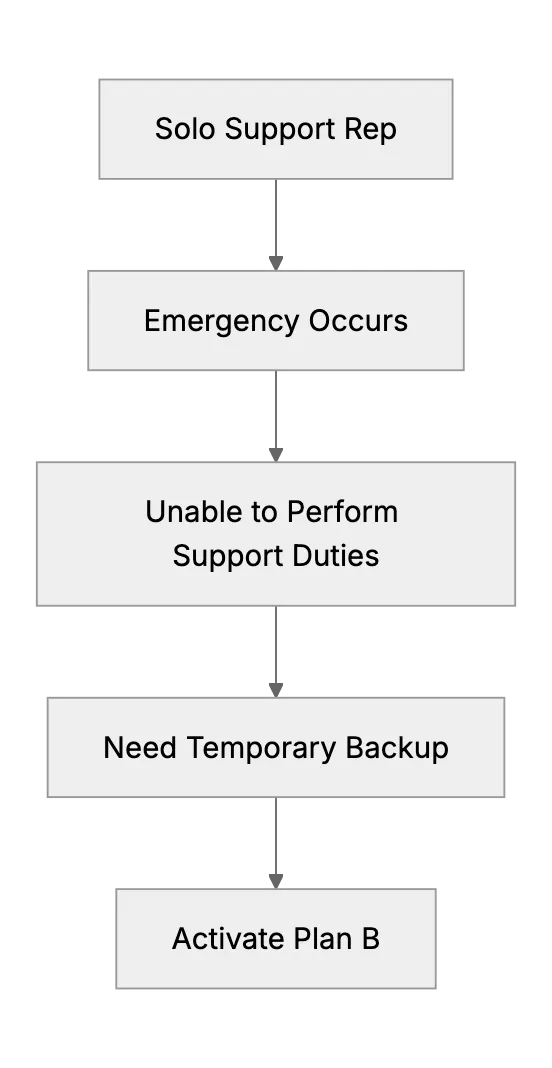
What Happens When the Only Support Person Is Sick? (Emergency Backup Plans)
Preparing a backup plan for a one-person support team during unexpected illness or personal emergency.
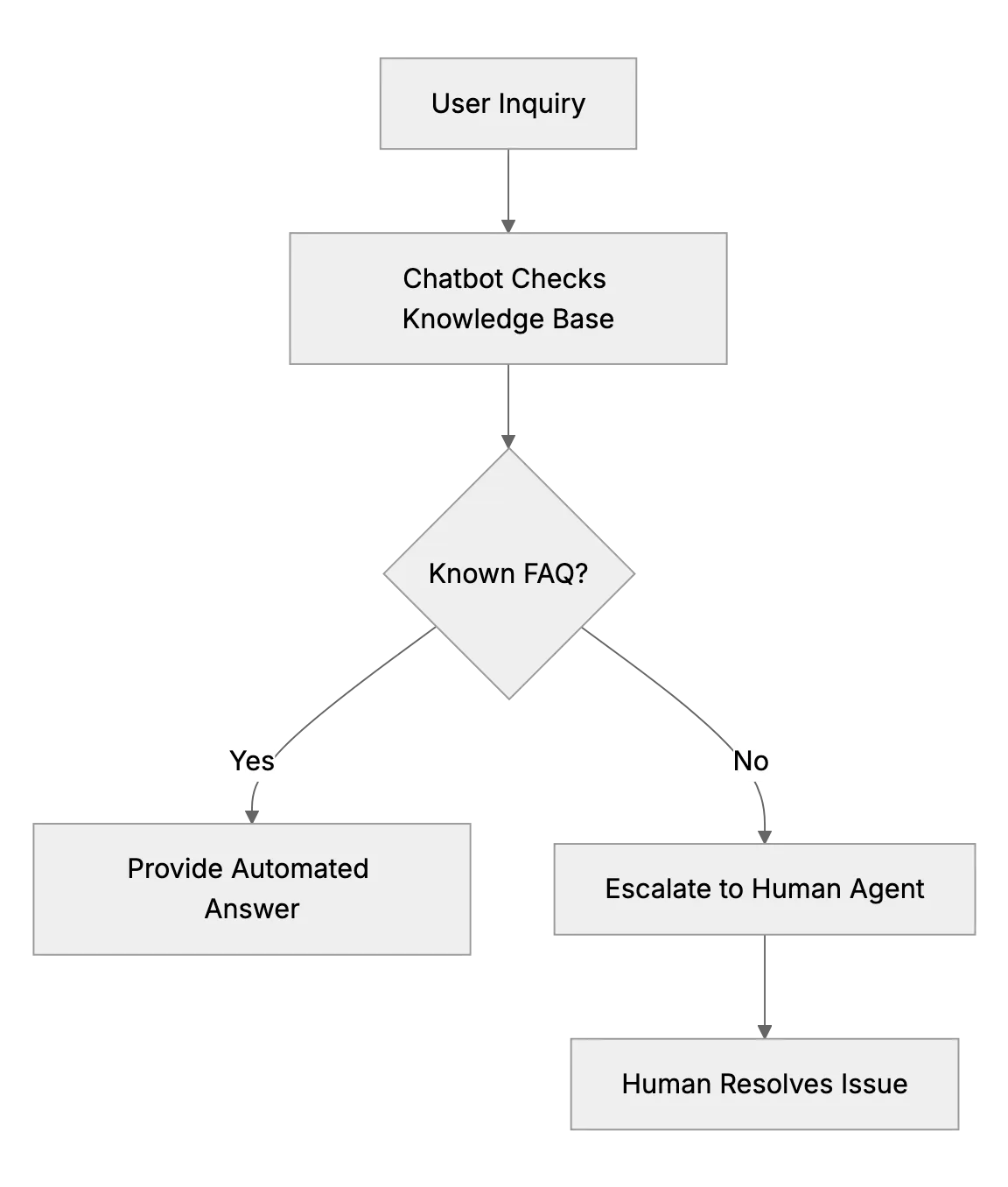
Deploying a Chatbot for Tier-1 Questions So Your Team Handles Only Complex Issues
Train a chatbot on your FAQ to answer order status and password questions, learn from its failed chats, and hand hard cases to a person with context.
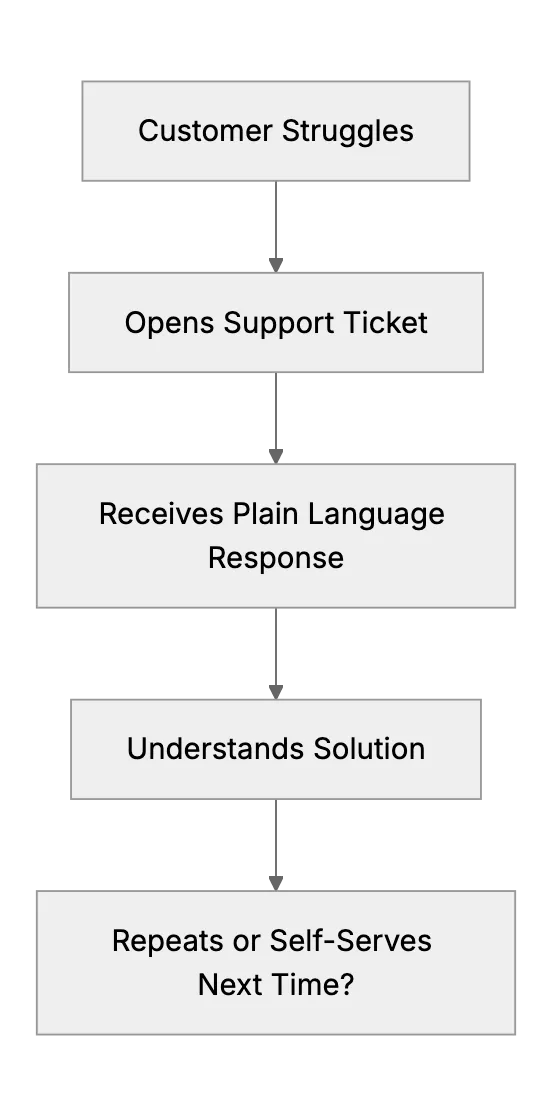
Supporting Less Tech-Savvy Customers Without Overloading Your Team
One customer said he ‘didn’t want to read the manual, he just wanted to press a button and make money’. Some customers need extra patience and simpler explanations.