Should You Upsell During Customer Support Exchanges?
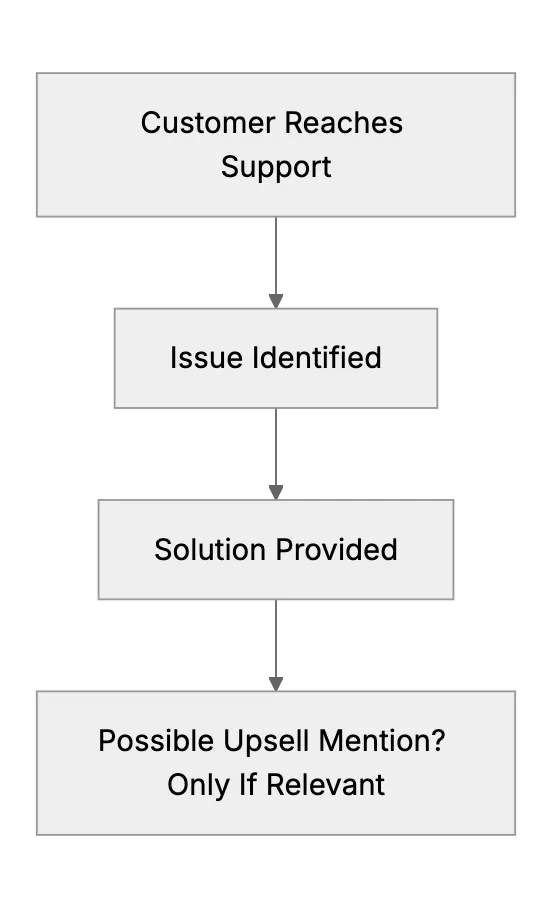
Many small businesses wonder if they should upsell or cross-sell when customers reach out for help. Does it build trust, or does it annoy people? That’s a big question. Support is about solving problems first. If you also upsell, it must be relevant and respectful.
You can’t use their info for marketing without proper consent. So it’s all about offering helpful options when it truly fits the user’s needs.
Why Consider Upselling or Cross-Selling at All?
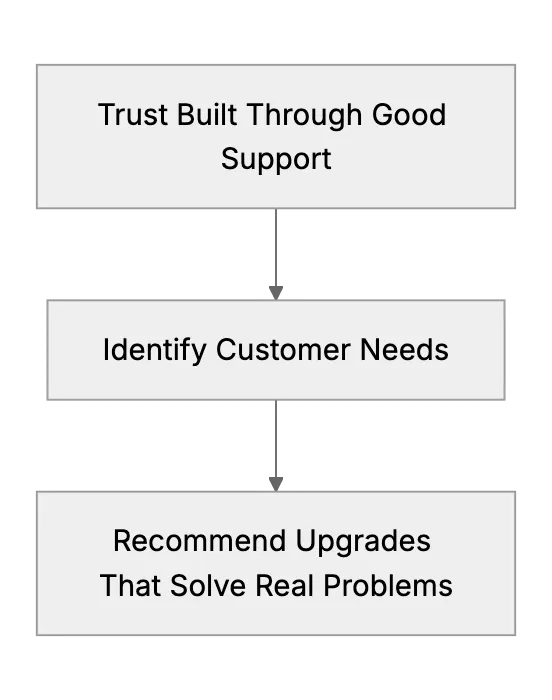
Revenue matters for any small business. If you already have a trust relationship, offering a new plan or feature can be helpful to the customer. For instance, if you see they keep hitting a usage limit, a higher-tier plan might give them more value. People appreciate useful suggestions. But forcing it can backfire.
Security and Privacy Considerations
Customers trust you with their data. That data might include sensitive info, so you must safeguard it and follow any relevant regulations. Cross-selling or upselling should not breach privacy. It should rely on legitimate insight from the support conversation, not unapproved data mining.
Do’s and Don’ts for Upselling During Support
- Do solve the existing problem first. That’s the priority. Only mention extra offerings after the issue is fixed.
- Do keep it brief. A single line like "I notice you often use more X. We have a plan that might save you time." can work.
- Do make sure it’s relevant. If the upgrade won’t help them, don’t mention it.
- Don't pressure the customer. Pushy tactics damage trust.
- Don't misuse personal data.
- Don't keep pushing if they say no. Respect their decision.


Upsell, Cross-Sell, or Both?
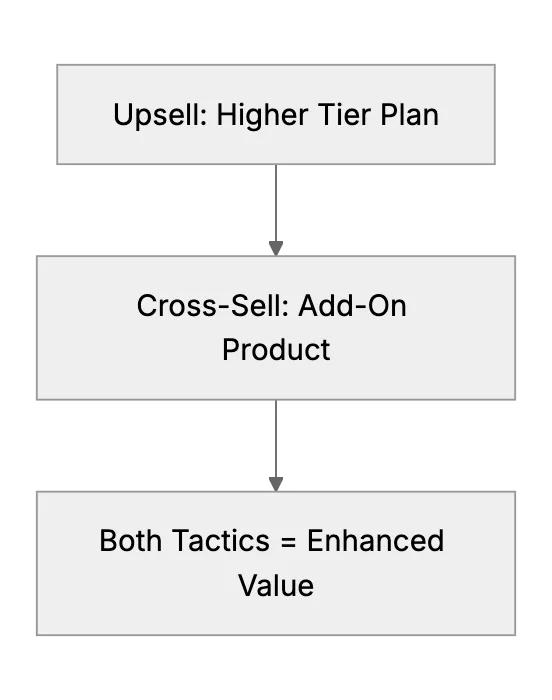
Upselling means you encourage a bigger purchase or a higher-priced plan. Cross-selling refers to suggesting a different but related product. Either can be appropriate if it solves a problem. For example, a help desk user on a basic tier might benefit from a premium analytics add-on that logs important metrics for regulatory requirements. Or they might need an additional feature that integrates with a security tool for audits.
Be mindful that support exchanges should never feel like a cold sales call. People contact support to get immediate help. Make sure they feel valued and heard. If you do decide to pitch, show them how it relates to the conversation they initiated.
Setup Tips for Small Businesses
Start by training your support reps. Teach them how to spot moments that matter. Use your help desk’s analytics to see common pain points. If a user keeps contacting you about data limits, mention the plan that solves that. But do so gently and only after resolving the main issue.
If you record calls or chats, confirm that you have user permission to store transcripts. The goal is to keep trust intact while you address new opportunities.
Related Articles
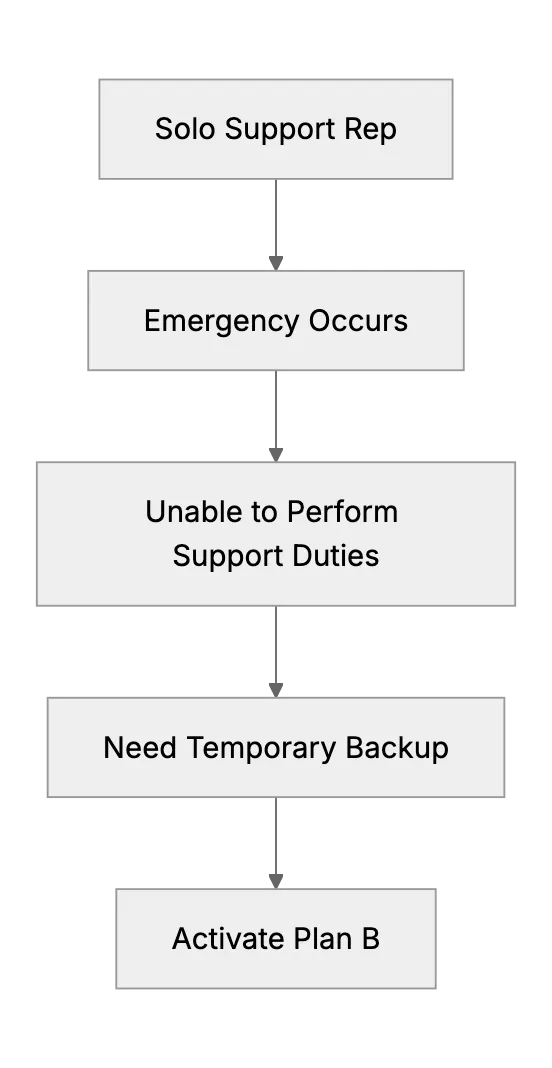
What Happens When the Only Support Person Is Sick? (Emergency Backup Plans)
Preparing a backup plan for a one-person support team during unexpected illness or personal emergency.
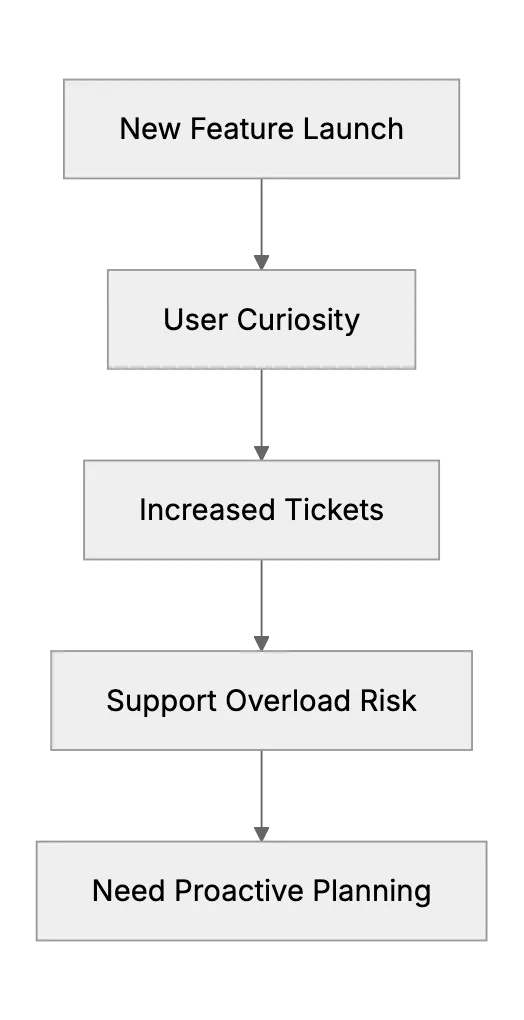
Handling Support Surges After a New Feature Launch or Update
When a small software team rolls out a big change, support tickets can spike with questions or bugs. This article provides a game plan: prepare support docs/FAQ updates ahead of the launch, coordinate with the dev team to be on standby for hotfixes, maybe run a beta with friendly customers to catch issues early. It will use ideas from experienced small teams who learned the hard way to communicate changes clearly to users to avoid confusion.
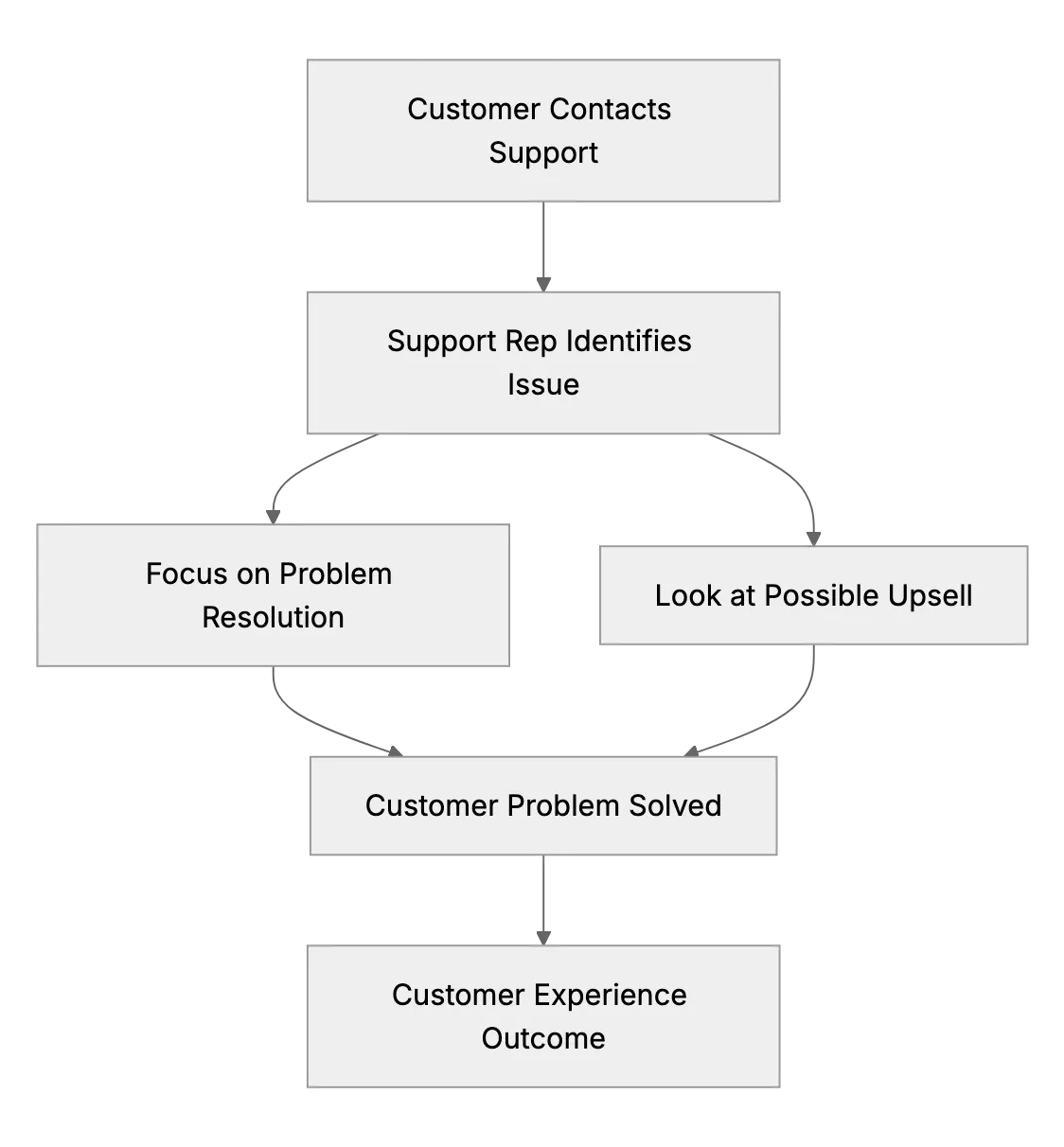
Should Small Support Teams Upsell or Just Solve Issues? (Finding the Balance)
Small business owners often wonder if their support exchanges should also be used for sales opportunities, like cross-selling or upselling. This article explores customer experience vs. revenue for small teams.