Must-Have Customer Support Tools for Startups
1. Help Desk or Ticketing System
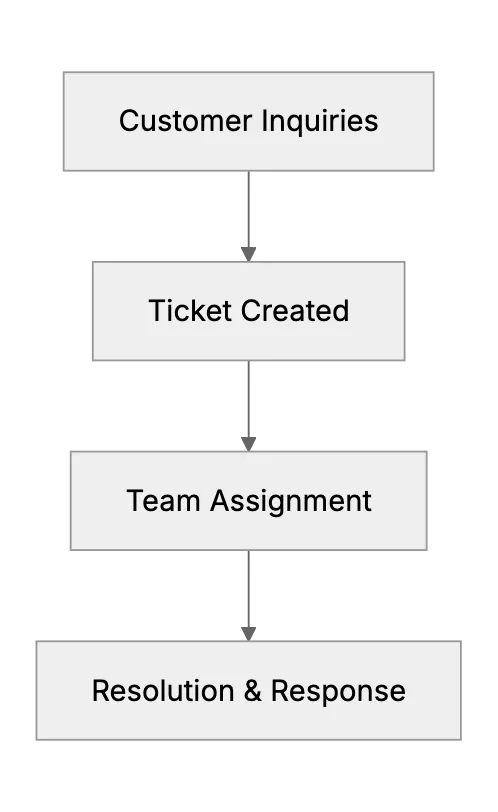
Most founders begin with email as a default for handling support. But scaling that becomes rough. A strong help desk tool keeps messages organized.
That's how a basic support workflow might look. In a small startup, you probably have limited staff. A ticketing system helps you track who’s handling what. Everyone has a record of what's going on. If a user needs solutions for a technical bug or a billing issue, tickets help keep it all in a single queue.
2. Live Chat & Real-Time Support
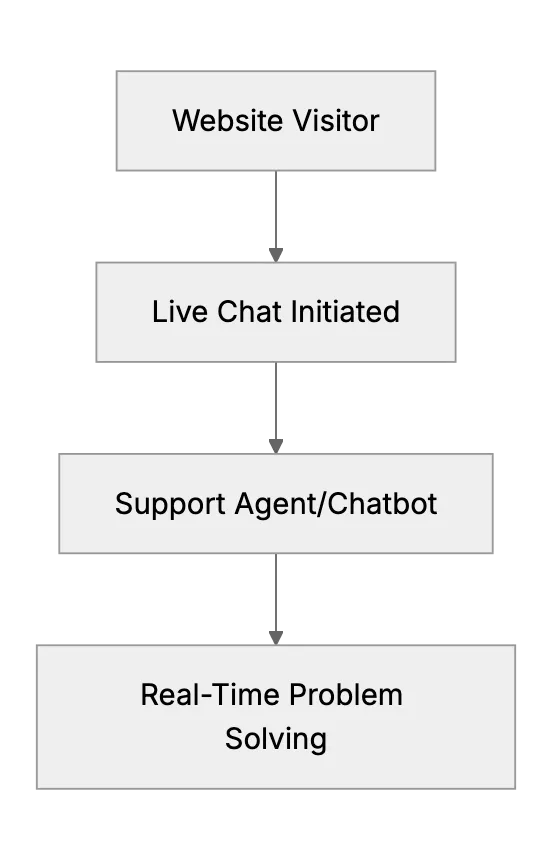
Next up is live chat. People expect immediate answers sometimes, especially if you're offering a cloud-based product. Live chat solutions let you handle urgent concerns and reduce back-and-forth emails. They can also integrate well with marketing tools. When people see that you're quick to help, they're more likely to trust your product.
3. Knowledge Base & Self-Service Portal
No startup founder wants to answer the same questions all day. That's where a knowledge base is useful. Customers can self-serve. A well-organized knowledge base is your customers’ first stop before they reach out to support. This also helps reduce your overall ticket volume.
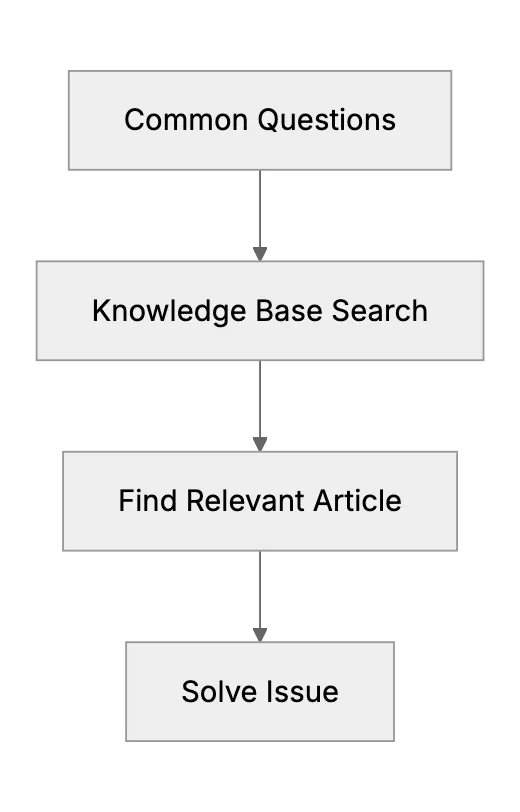
A knowledge base can become part of your marketing too. People land on your articles while searching for help. They find your product. That can spark new opportunities.
4. Onboarding & Walkthrough Tools
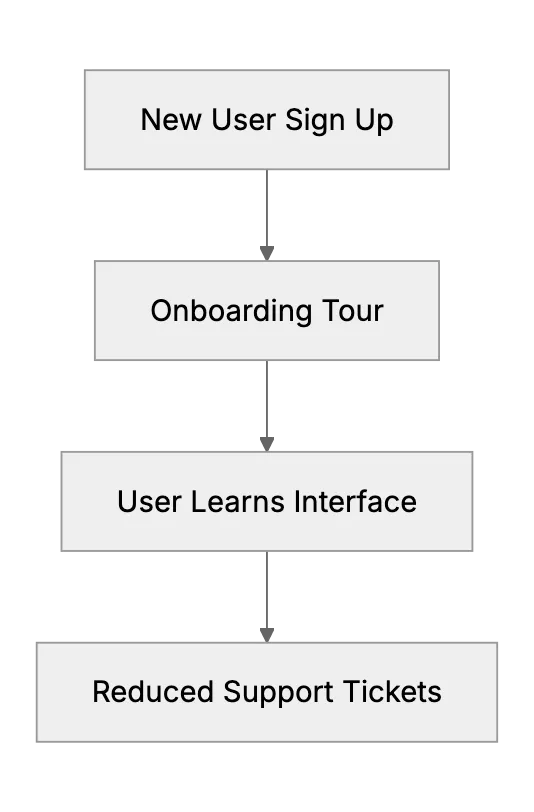
When new users sign up, they need a quick introduction. In-app walkthrough tools or guided tours make sure they don't get lost. They also reduce the load on your support team.
Think of user onboarding as a continuous process. Once you have an advanced onboarding system, measure how many questions new users still send. If you see a drop, that's a sign your onboarding content works well. If not, keep refining it.
5. Feedback Collection & User ideas
Gathering feedback helps you shape a better product. You can embed surveys or feedback widgets in your site or app. Even a simple Net Promoter Score (NPS) shape can reveal user satisfaction trends. That data also helps marketing teams refine messaging.
6. Analytics & Reporting Tools
You need to know which issues come up the most, how fast your team responds, and if customers are satisfied with resolutions. Many help desk platforms or separate analytics tools can generate these reports. If you see trends, like repeated questions on a new feature, you might highlight that in your knowledge base or tweak onboarding steps. Access to real-time analytics also helps to see if you're meeting service level agreements (SLAs).
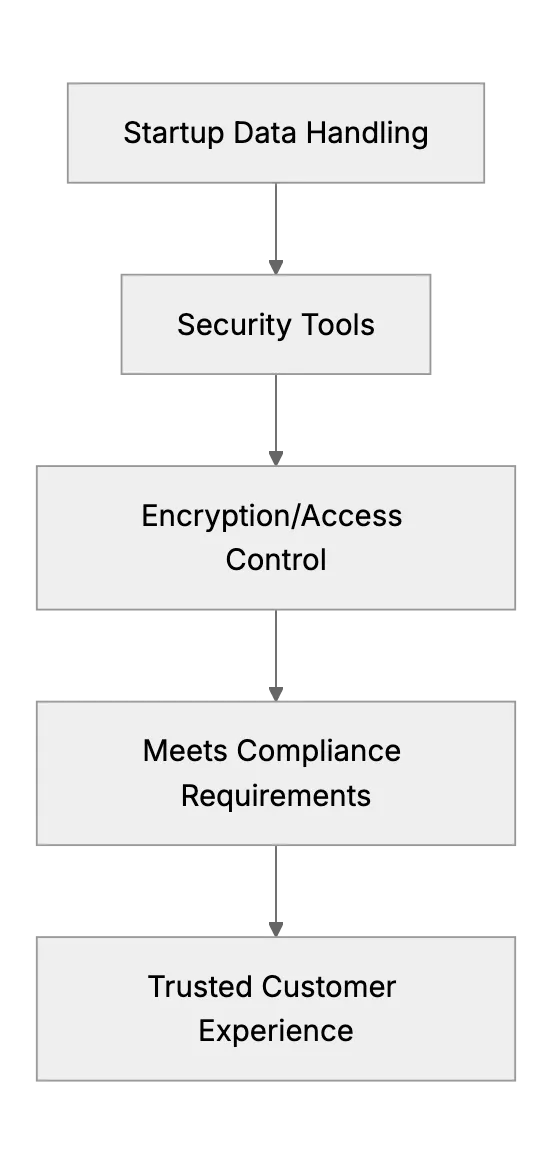
7. Security & Compliance Integrations
8. Integrations Across Your Ecosystem
Finally, make sure these tools sync well. Your help desk, knowledge base, live chat, and onboarding system should talk to each other. That way, if a user has been reading your knowledge base articles and then opens a ticket, the support agent sees what they've already tried. Smooth integrations also help marketing or sales teams track user journeys without duplicating effort.
Summary
Often for startups it's a complete approach. Startups usually have a couple of basic tools, then realize they need more. When everything connects, you deliver better support. It's simpler for the user and easier for the team managing it. Check that your chosen tools align with those requirements. Once you do, your support stack covers all bases!
Related Articles
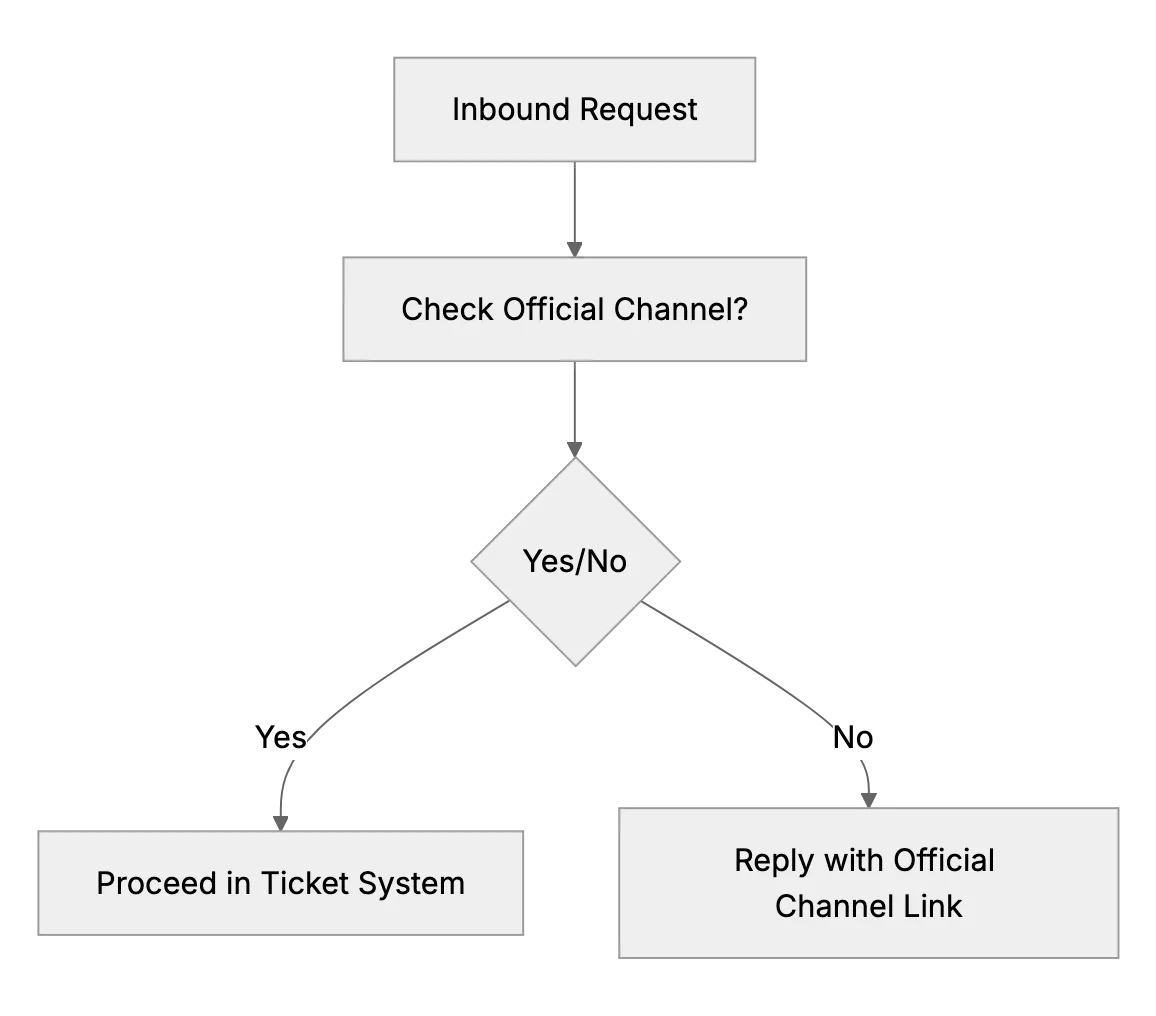
What to Do if Customers Contact You Outside Official Channels
When customers DM or text your personal accounts, reply kindly and point them to your official email or support desk so every request is tracked.
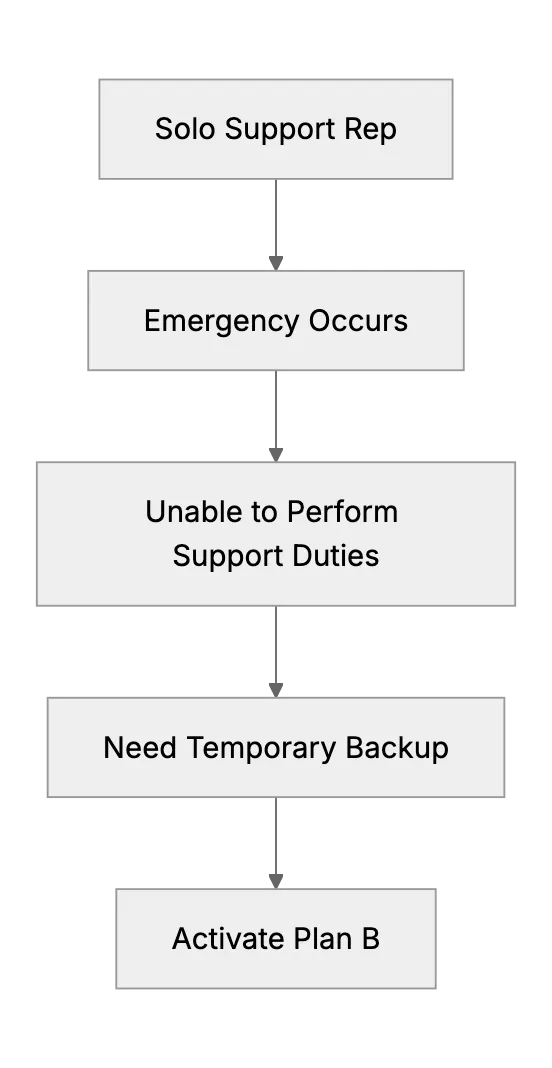
What Happens When the Only Support Person Is Sick? (Emergency Backup Plans)
Preparing a backup plan for a one-person support team during unexpected illness or personal emergency.
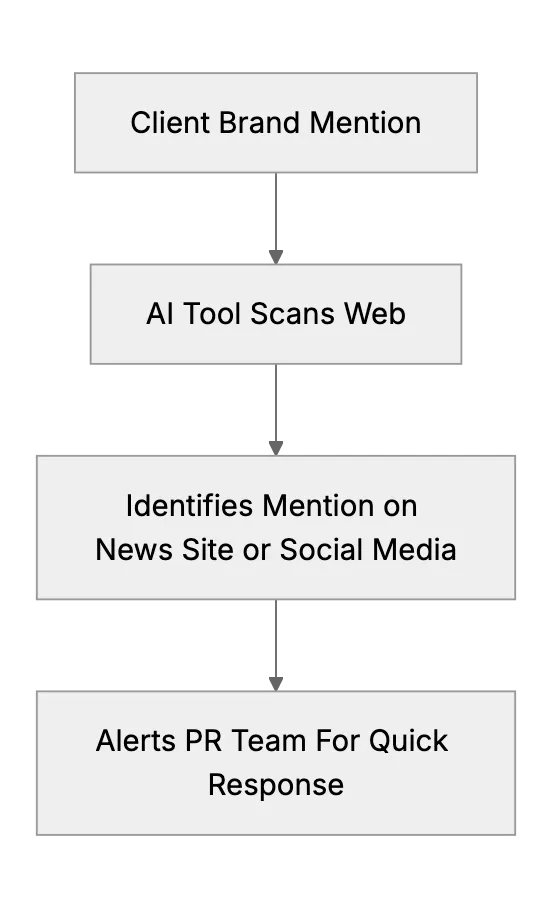
Public Relations Monitoring For Brand Mentions And Trends
Public Relations Monitoring For Brand Mentions And Trends